Restore Max
Restore Max is our advanced model for damaged, faded, and blurry old photos. It combines scratch repair, face enhancement, colorization, and 2K/4K output in one fast restoration workflow.
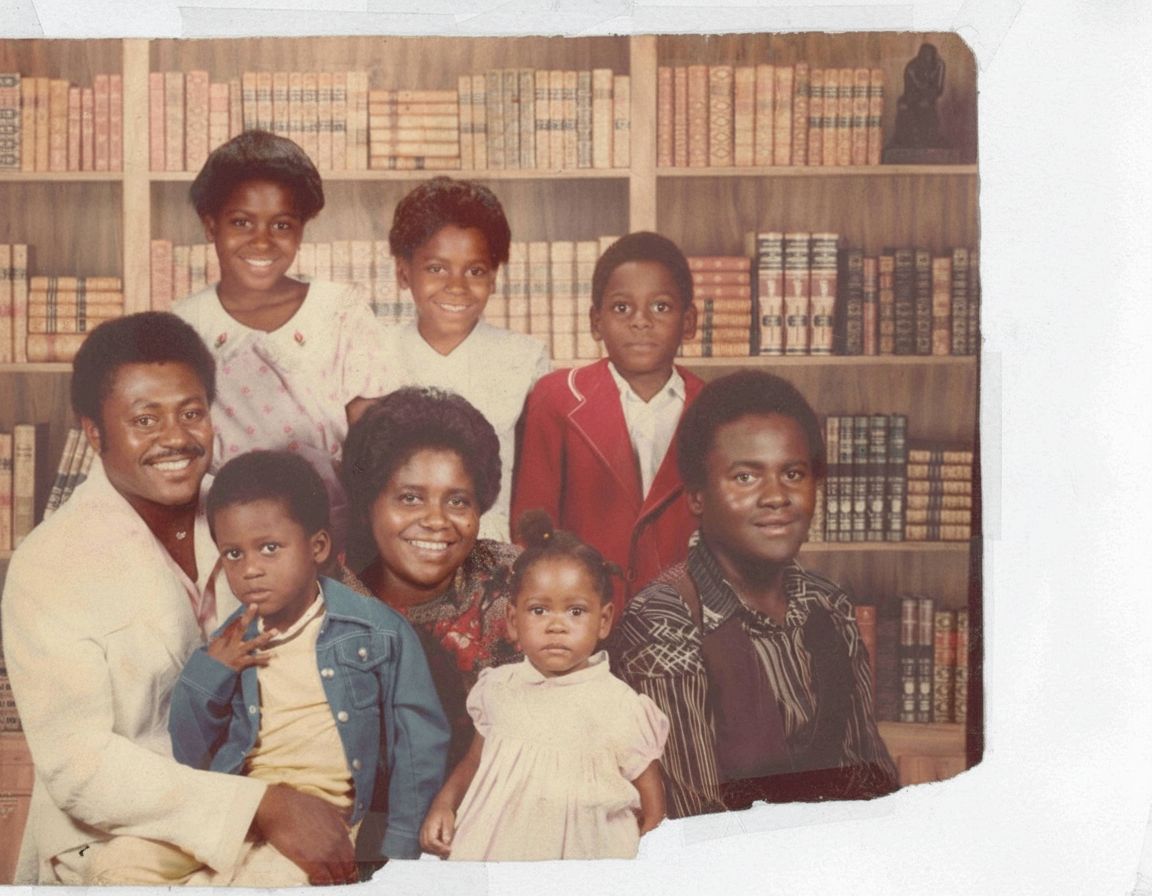
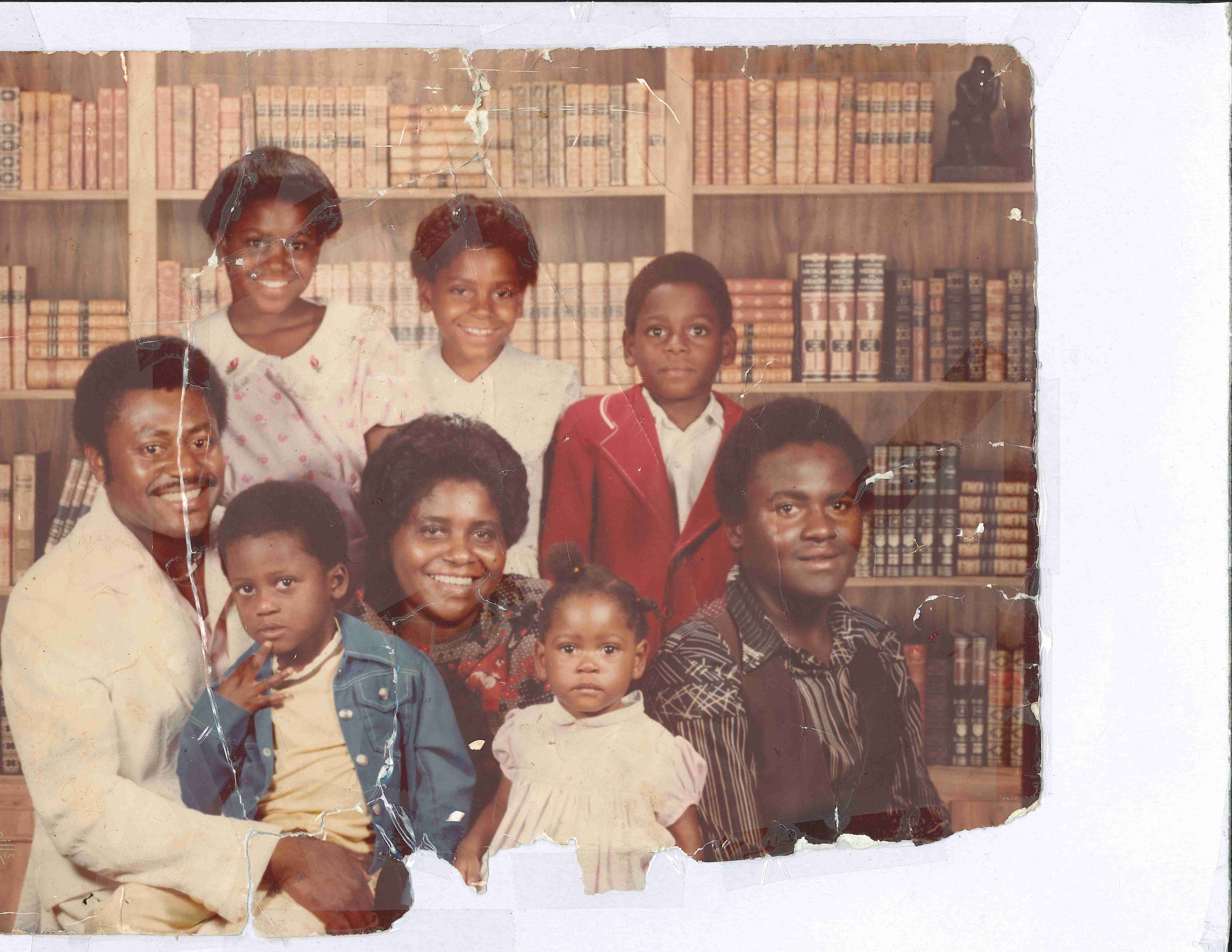
Upload to Restore Max
Upload 1 image at a time. JPG or PNG.
2K: 6 credits per image · 4K: 12 credits per image · Upgrade to 4K: +4 credits per upgrade
How to Restore Old Photos with Restore Max
Restoring old photos with Restore Max is simple and requires only a few steps. The process is designed to be accessible for beginners while delivering results suitable for professional use.
Upload Your Photo
Start by uploading your old photo in common formats such as JPG or PNG. Restore Max supports images from scanners, mobile phones, and digital cameras. High-quality scans (300-600 DPI) will produce the best restoration results, especially for photos with scratches or missing details.
Choose Resolution
Before processing, select your desired output resolution. Restore Max offers 2K and 4K output options, making it suitable for both digital viewing and physical printing. Higher resolution ensures finer facial features and clearer textures after restoration.
AI Processing
Once your image is uploaded, Restore Max analyzes the photo using deep learning models trained on thousands of damaged and restored images. The AI identifies scratches, faded areas, blurred regions, and missing sections. It then reconstructs these parts while preserving the original character of the photo. Processing usually takes only a few seconds.
Restore Max Features
Restore Max provides a full suite of restoration tools in one intelligent AI system.
Professional AI Photo Repair
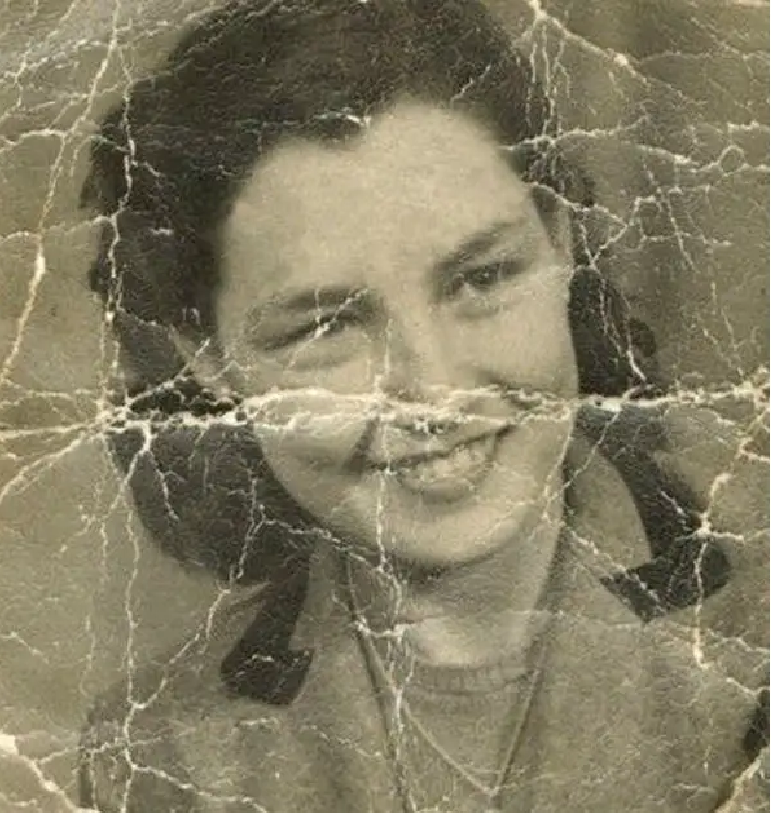
The model is optimized for physical damage such as scratches, cracks, dust spots, and torn edges. Unlike simple filters, Restore Max performs targeted repairs that maintain texture and avoid over-smoothing.
Try Professional AI Photo Repair
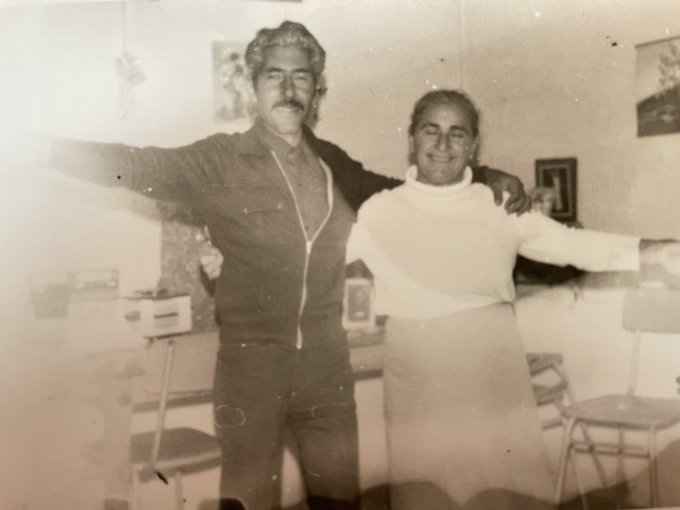
Damage Cleanup
Scratches, stains, and noise are removed automatically while preserving original tones. Black-and-white photos are restored without adding artificial color.
Try Damage Cleanup
Preserve Details & Faces
Faces are the most emotionally important part of family photos. Restore Max includes facial preservation algorithms that protect identity while enhancing clarity. Eyes, lips, and facial contours are restored without creating artificial or plastic-looking results.
Try Preserve Details & Faces

High-Resolution Output
Restore Max outputs restored photos in high resolution (2K and 4K), making them suitable for printing, archiving, and professional design work. This ensures restored images are not only visually improved but also technically usable.
Try High-Resolution Output
Why Choose Restore Max
Restore Max stands out from generic AI photo tools by focusing specifically on old photo restoration.
Pro-Grade Restoration
This model is trained on restoration-specific datasets, allowing it to handle complex damage patterns such as overlapping scratches, faded contrast, and facial blur. It is suitable for professionals as well as families preserving personal archives.
Credit-Based Access
Use flexible credit packs to restore photos on demand. This keeps costs predictable for both casual users and professionals.
Restore + Upscale
Restore Max restores damage and upscales in one workflow, saving time while keeping results consistent.
2K/4K Output
The ability to export in high resolution makes Restore Max ideal for printing framed photos, creating albums, and producing memorial displays.
Fast & Secure
All processing is done securely online. Uploaded photos are handled privately and are not shared or reused. Most restorations are completed within seconds.
Use Cases for Restore Max
Restore Max is used by individuals and institutions around the world for various restoration needs.
Families
Families restore old photos of grandparents and ancestors to preserve personal history and share stories across generations.
Historians & Archivists
Libraries and museums use Restore Max to digitize and repair fragile photographic records for long-term preservation.
Artists & Designers
Designers and artists use restored images in exhibitions, books, and creative projects that require clean and high-quality visuals.
Genealogists
Genealogy researchers rely on restored photos to enhance family trees and historical documentation.
Collectors
Collectors of vintage photography restore rare images for display and digital archiving.
Why Restore Max Feels Professional
Built for archival-grade detail and print-ready output.
Consistent texture reconstruction
The model preserves natural grain and fabric detail while filling damaged areas, so restorations look cohesive at high resolution.
2K/4K output for print
Higher resolution results are suitable for albums, large prints, and archival storage without visible artifacts.
Repair + colorize in one workflow
Scratch removal, face enhancement, and colorization are handled together for consistent results.
Old Photo Restoration Guides and Tutorials
Restore Max is supported by educational content to help users achieve the best results.
View all guidesHow to Scan Old Photos for Best AI Restoration Results
Scan photos at 300-600 DPI, clean dust before scanning, and avoid shadows or reflections. Proper scanning significantly improves AI restoration accuracy.
AI vs Manual Old Photo Restoration – What’s the Difference?
Manual restoration requires skill, time, and specialized software. AI restoration offers fast, consistent results for most damage types and is ideal for bulk restoration projects.
How to Prepare Restored Photos for Printing
Export photos in high resolution and use high-quality photo paper. Avoid excessive compression to preserve detail.
How to Colorize Black and White Photos Without Losing the Original Look
Choose natural saturation levels and review results carefully to ensure historical accuracy and emotional authenticity.
Restore Max FAQ
Related Restoration Tools
Use these specialized tools for targeted fixes alongside Restore Max.
Restore Old Photos with Restore Max Today
Old photographs carry irreplaceable memories. Restore Max allows you to repair, enhance, and preserve these memories with professional AI technology. Whether you are restoring family albums, historical archives, or artistic collections, Restore Max provides a fast, accurate, and secure solution.
Start Restoring