Colorize Black and White Photos with AIFree Online Photo Colorization
Colorize black and white photos easily with AI-powered photo colorization technology.
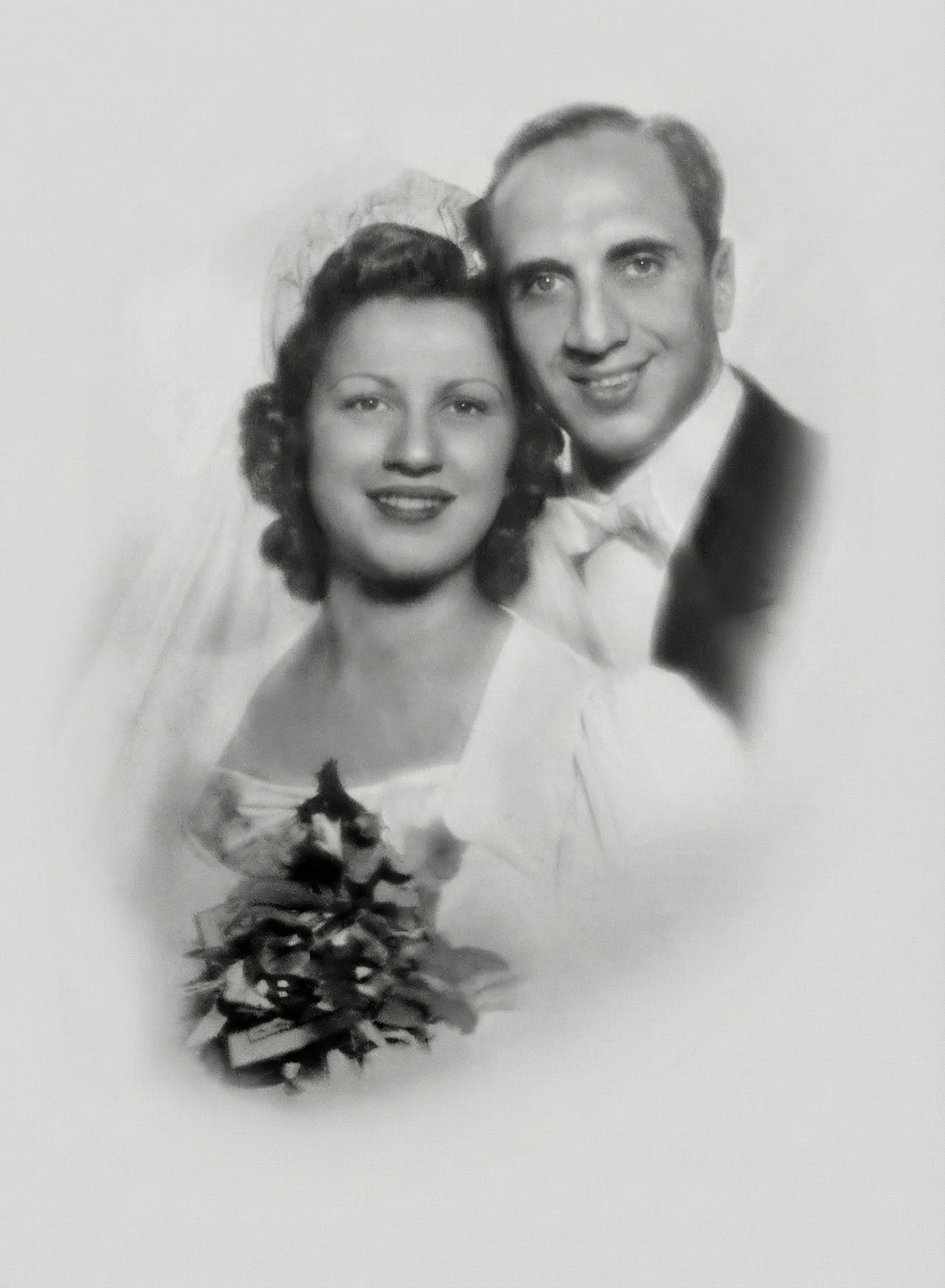
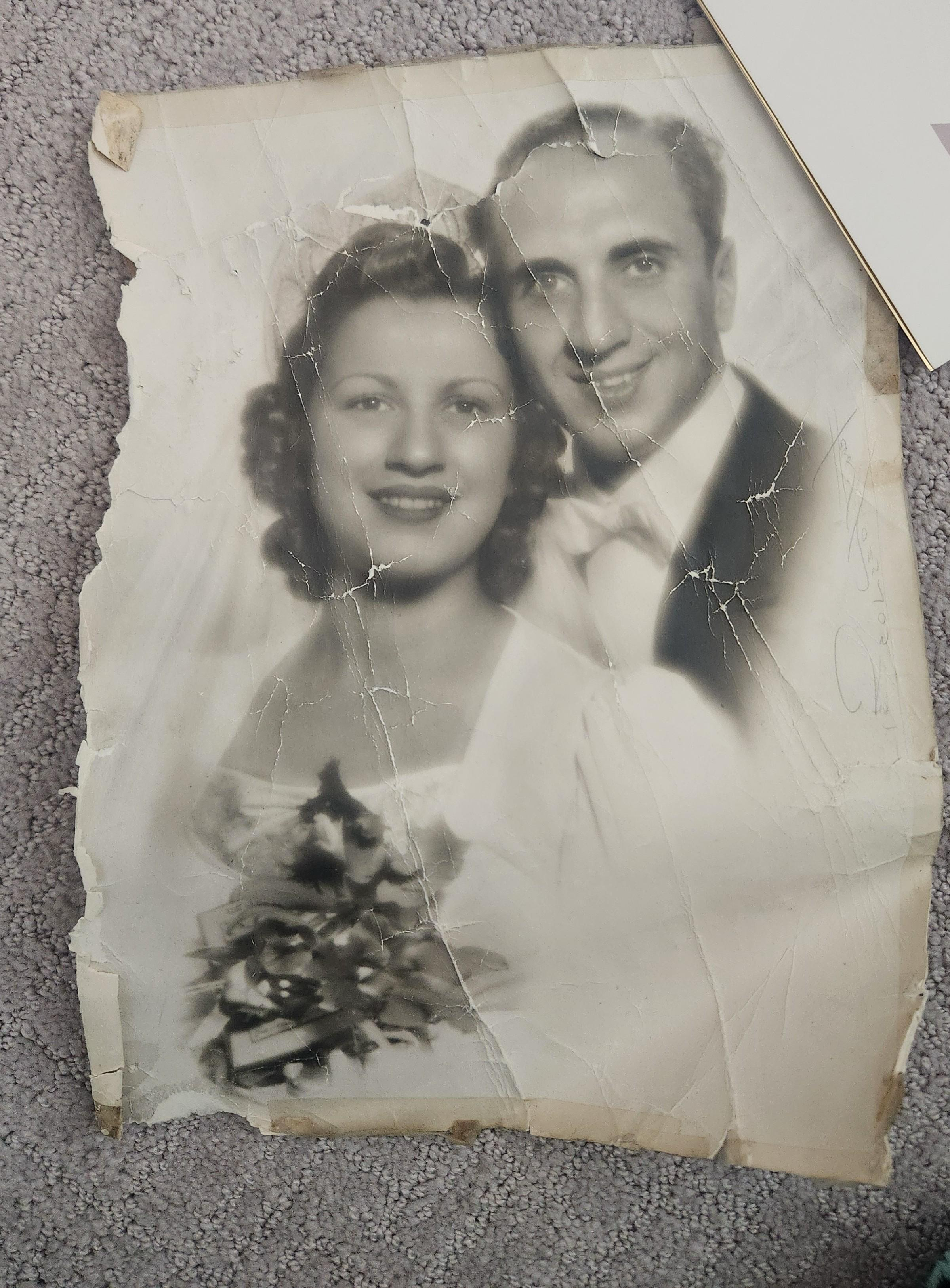
Upload a black and white photo in your browser and turn it into natural-looking color in seconds. The AI keeps the original mood and texture of the image while making the result feel more lifelike.
Upload to Colorize
Upload 1 image at a time. JPG or PNG.
No software installation is required, and you can try photo colorization for free directly in your browser.
Colorize Old Photos Online for Free with AI
Colorize black and white photos easily with AI-powered photo colorization technology. Our online tool allows you to turn old black and white pictures into realistic color images in seconds. No software installation is required, and you can try photo colorization for free directly in your browser. Whether you want to restore family memories, bring historical photos back to life, or simply experiment with colorizing vintage images, this AI photo colorizer provides natural and high-quality results. With advanced deep learning models, it analyzes shapes, lighting, and facial features to apply believable colors while preserving the original texture and emotional feeling of the photo.
AI Photo Colorization for Black and White Pictures
Black and white photographs were once the only way to capture memories. Over time, these photos lose contrast and detail, making it harder to connect emotionally with the past. AI photo colorization solves this problem by adding natural colors to old photos while keeping their historical character. Our AI colorization system examines every pixel of your photo and predicts realistic color values based on learned patterns from thousands of real images. Skin tones, clothing, backgrounds, and shadows are restored in a way that feels authentic rather than artificial. This process makes it possible to colorize black and white photos online without professional editing skills or expensive software.
Restore Black and White Photos Without Installing Software
Traditional photo colorization requires tools like Photoshop and manual brush work. This is slow and requires experience. With our online colorizer, you only need to upload your photo and let the AI handle the rest. There is no need to download programs or manage complicated settings. Everything runs securely in your browser. This makes AI photo colorization accessible to beginners, families, and elderly users who simply want to restore old photos without technical barriers.
Powerful AI Photo Colorization Features
Common Challenges in Black and White Photo Colorization. One major challenge in photo colorization is avoiding unnatural or overly saturated colors.
Preserving the Original Look of Old Photos
Many tools make old photos look modern or artificial. Our AI is designed to respect the original lighting and shadows of black and white photos, ensuring the result feels authentic and timeless.
Try Preserving the Original Look of Old Photos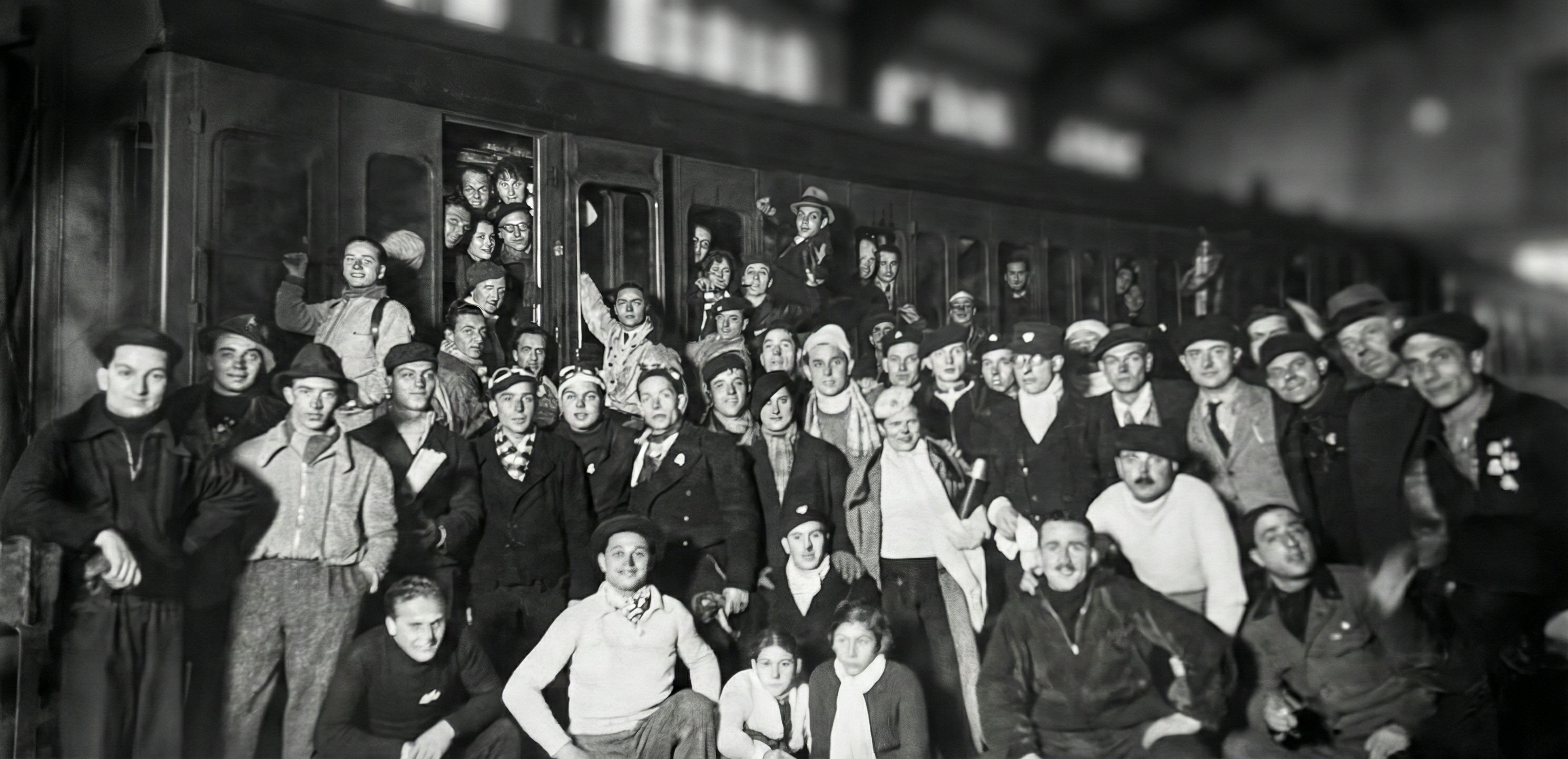
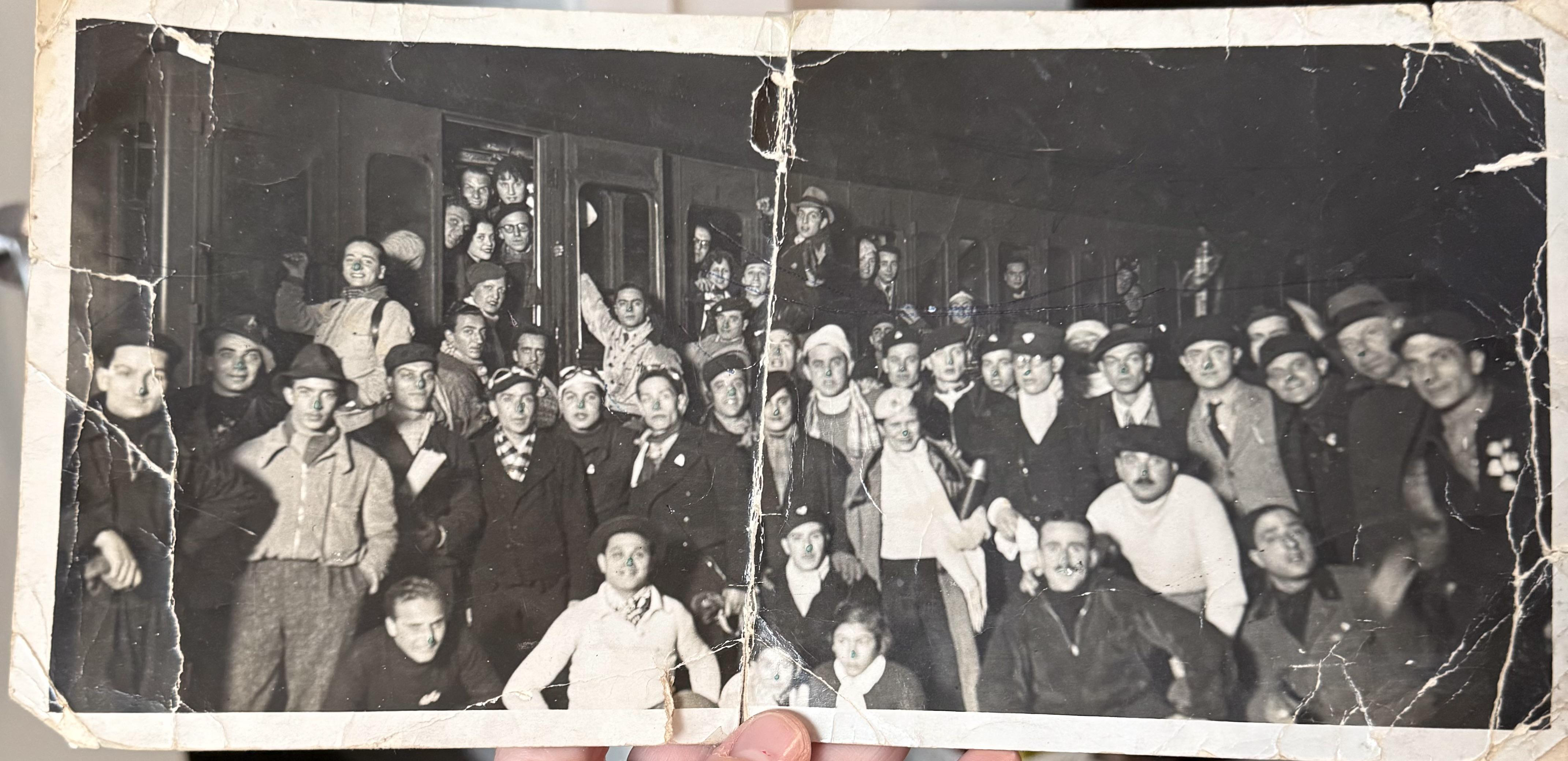
Adding Color to Faces Without Distortion
Faces are the most important part of historical photos. AI carefully enhances facial features such as eyes, lips, and hair while adding realistic skin tones. This prevents plastic-looking results and keeps expressions natural.
Try Adding Color to Faces Without Distortion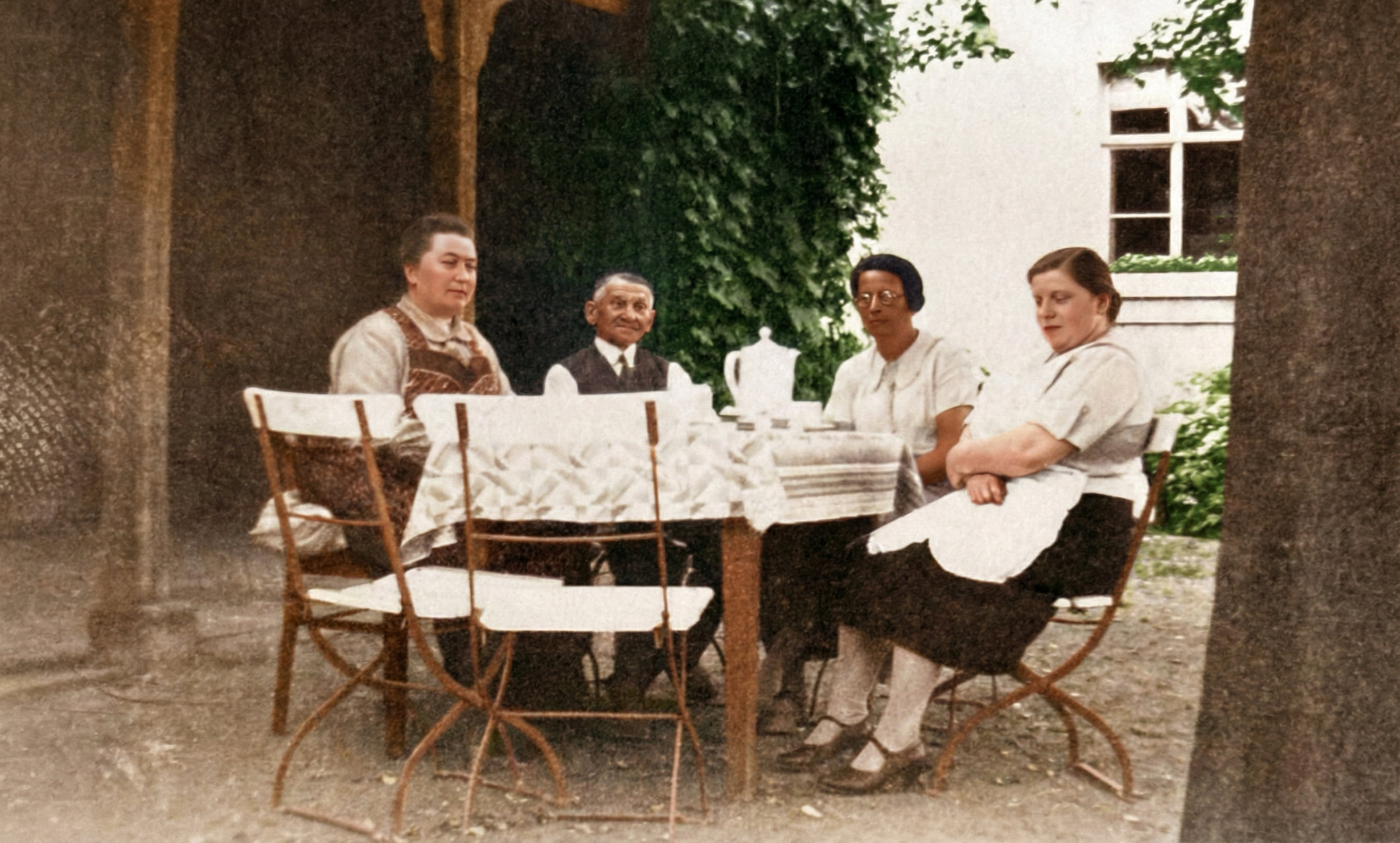
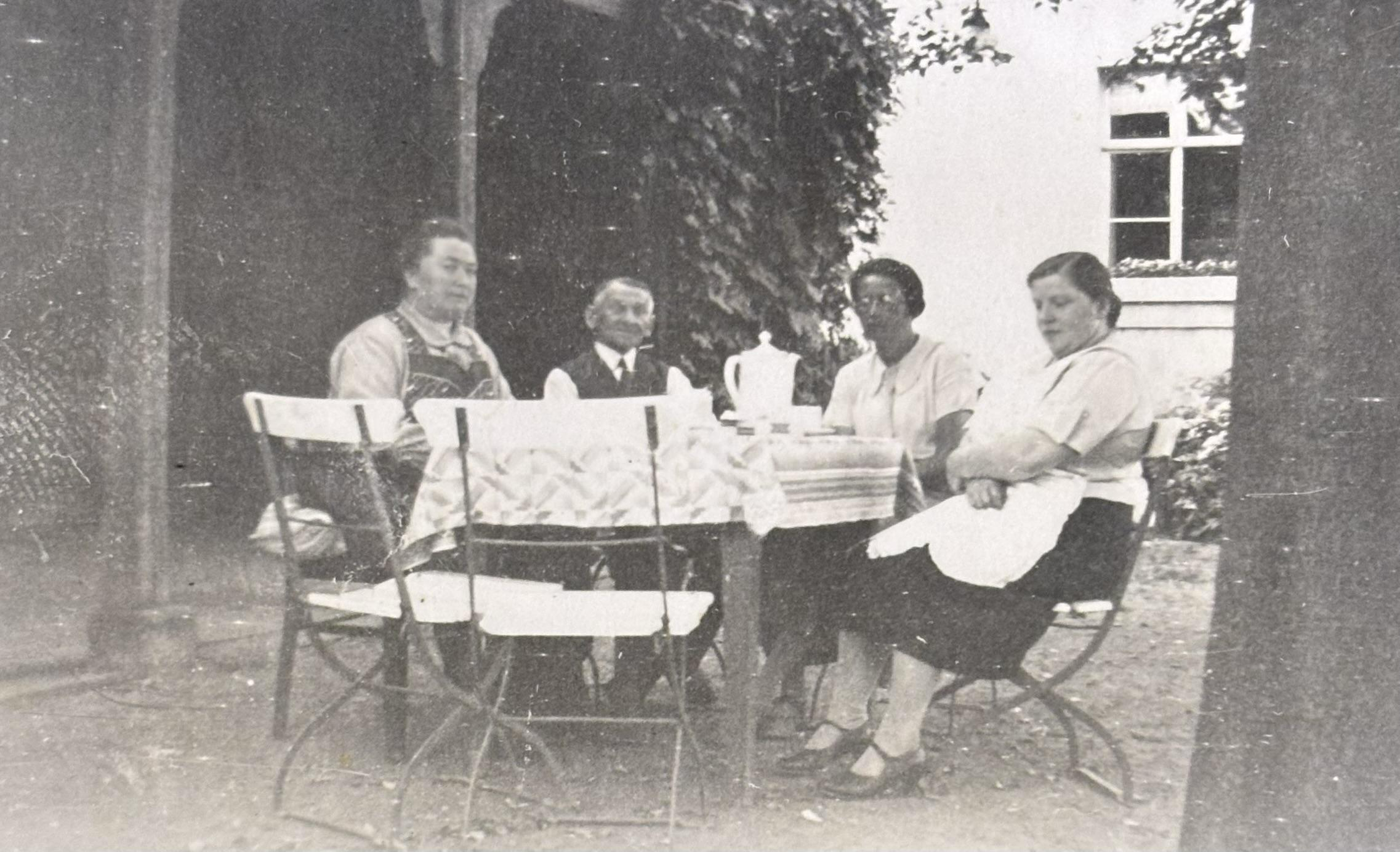
Handling Faded or Low-Quality Images
Old photos often suffer from fading and blur. The AI colorization process includes enhancement steps that improve clarity before applying colors. This allows better color prediction and cleaner output even for damaged images.
Try Handling Faded or Low-Quality Images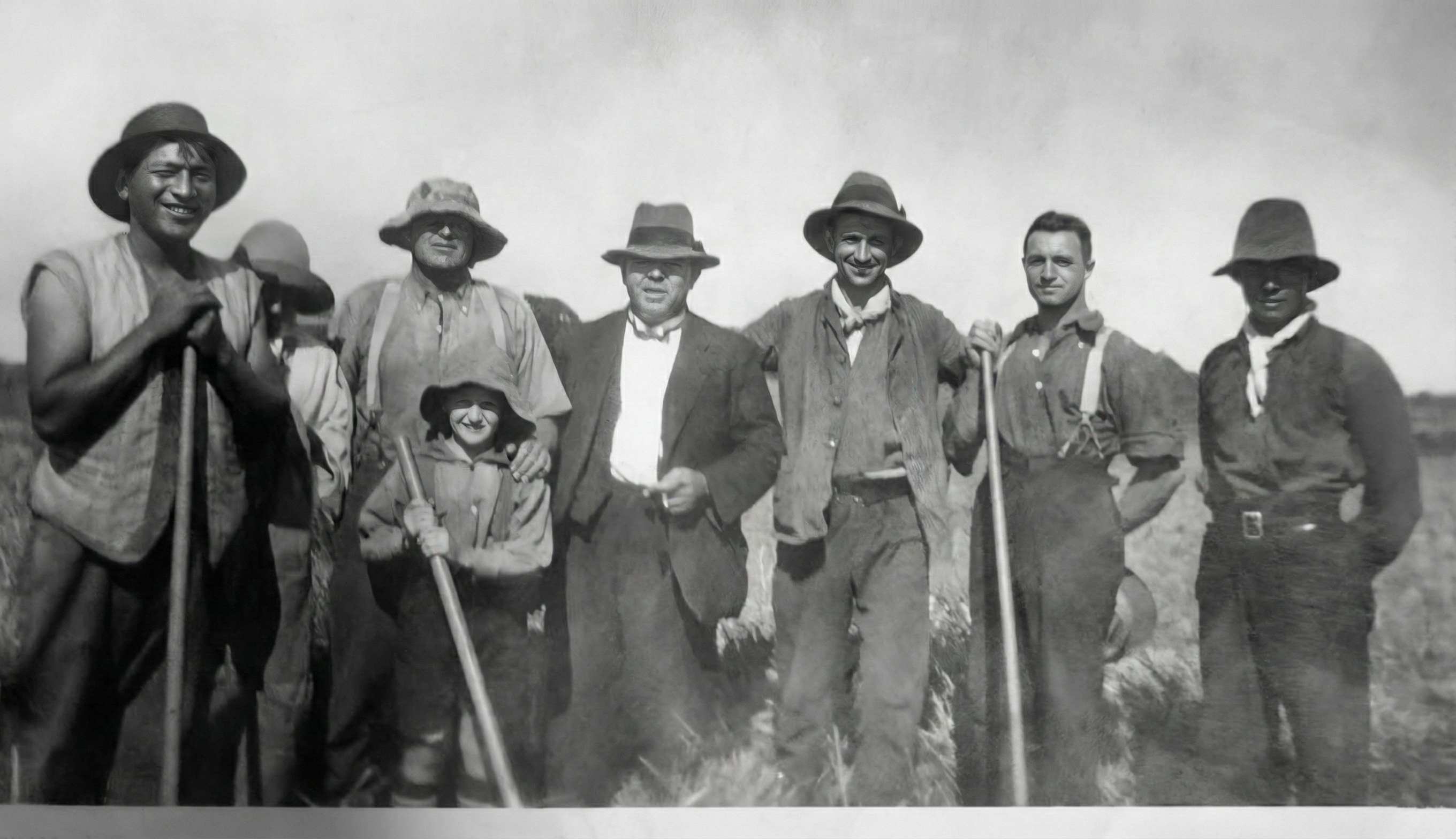
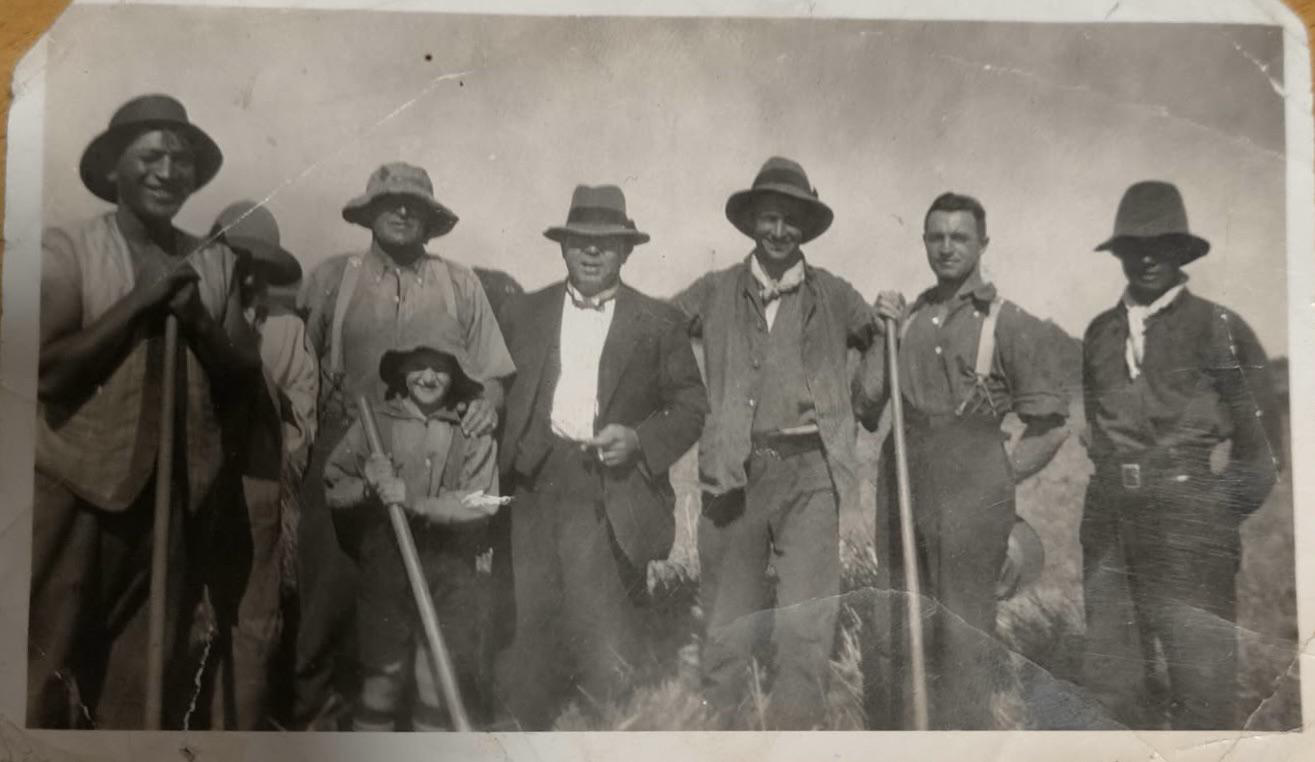
Realistic Color Prediction
The AI uses advanced neural networks to generate natural colors based on visual context. This avoids random or cartoon-like coloring.
Try Realistic Color Prediction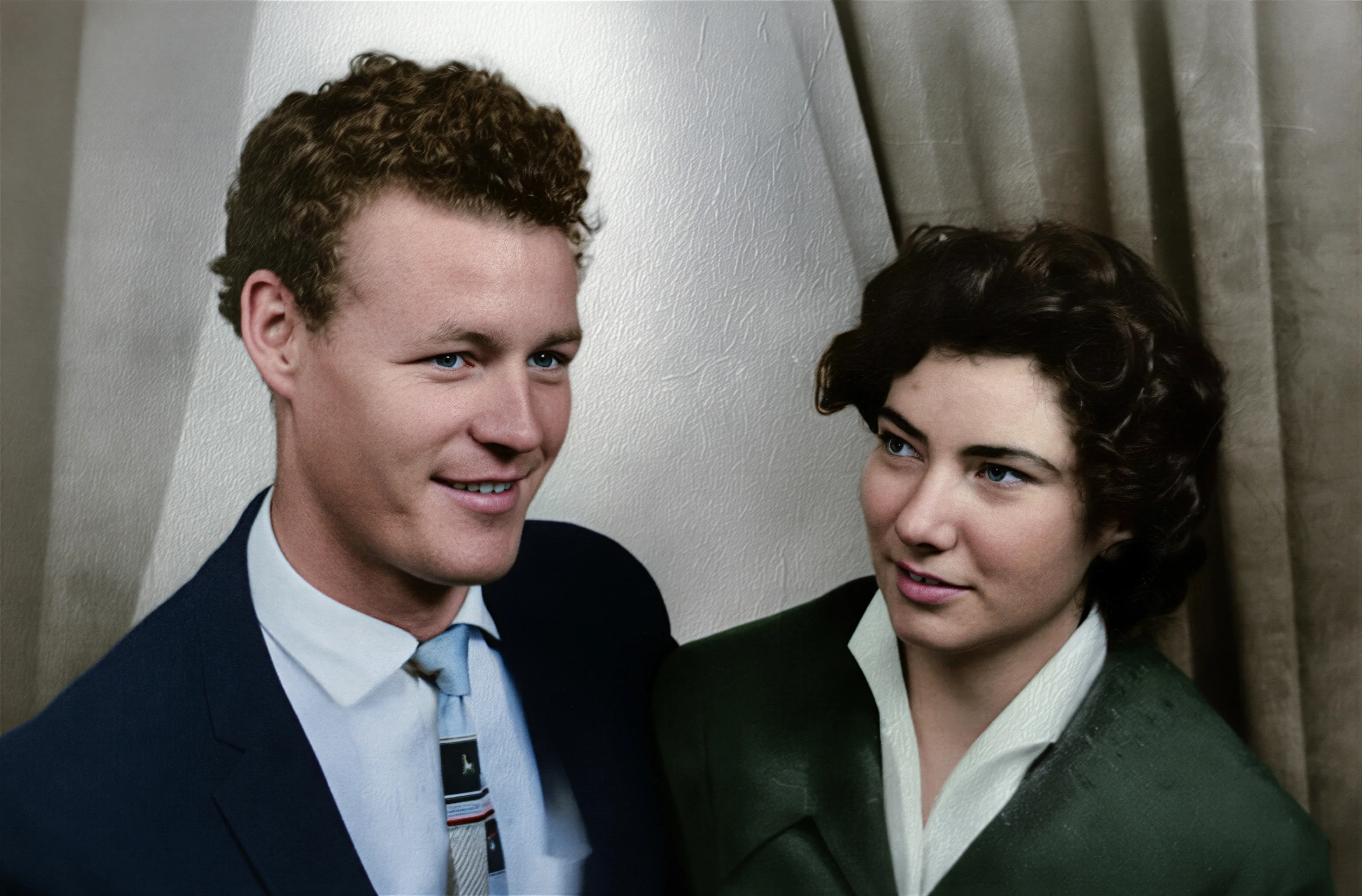
High-Resolution Output
Your colorized photos are exported in high resolution, suitable for printing, framing, and archiving.
Try High-Resolution Output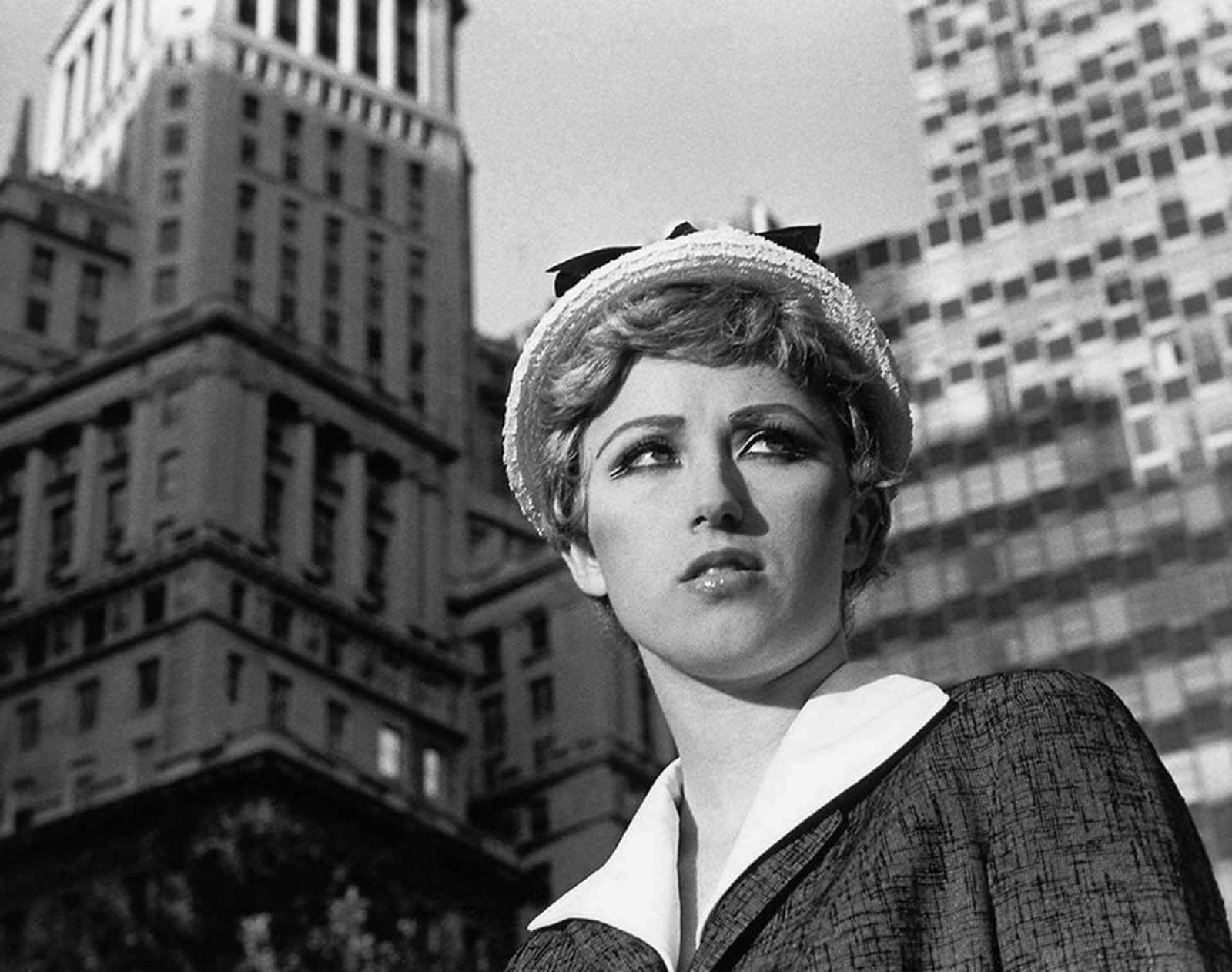
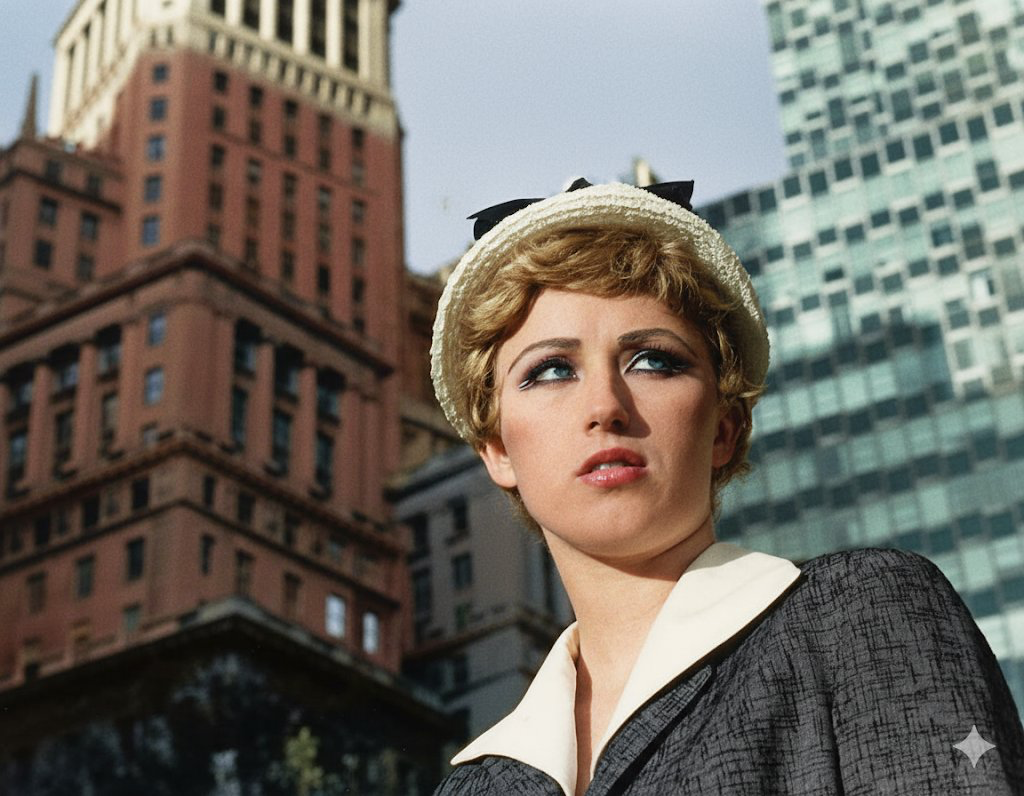
Automatic Processing
There is no need to manually paint or adjust colors. The entire process is automatic and completed in seconds.
Try Automatic Processing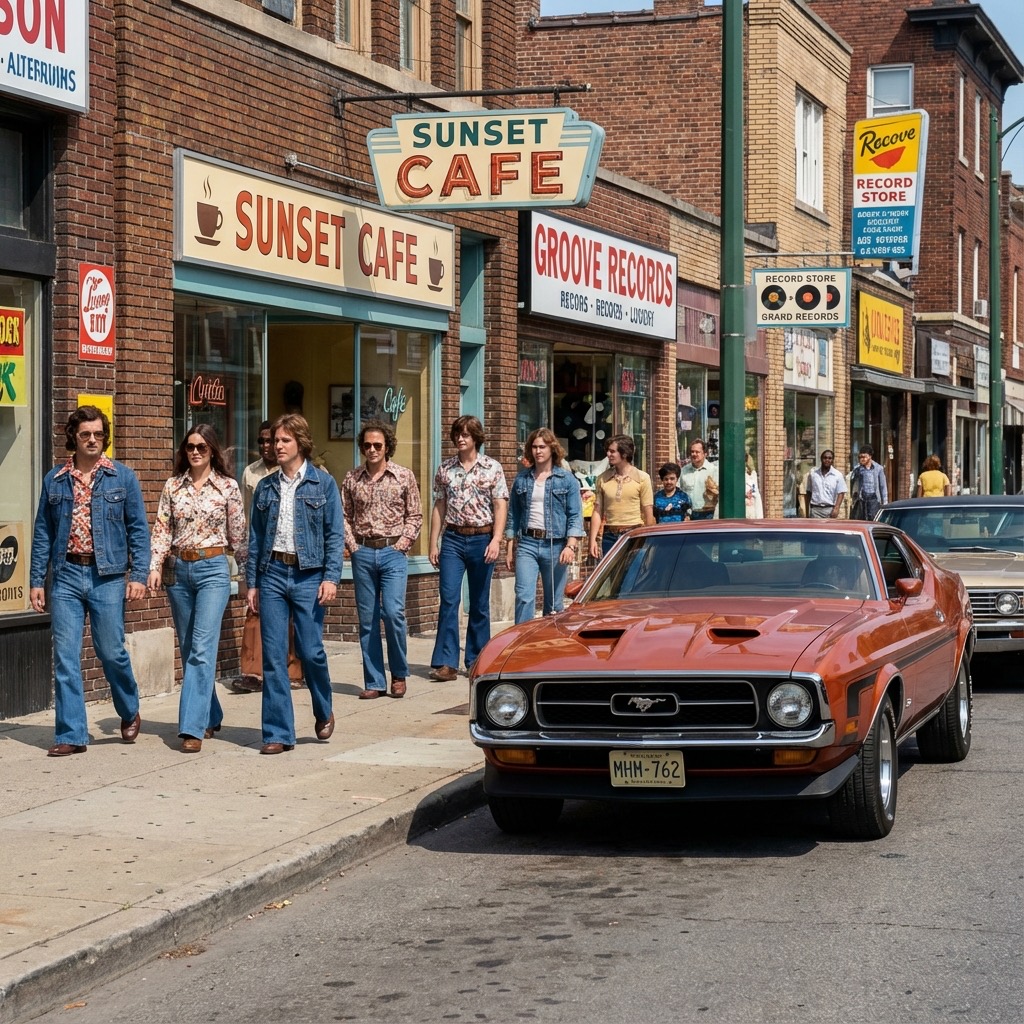
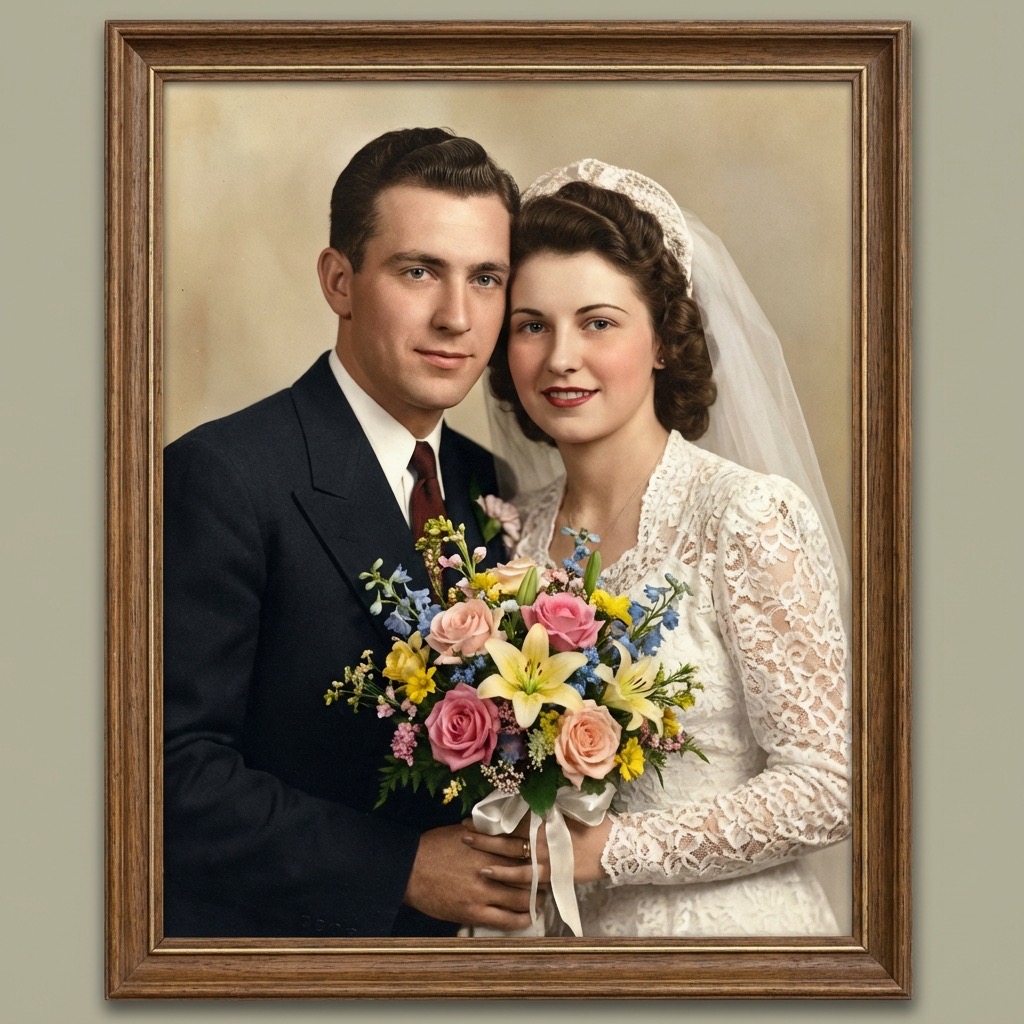
Works for Old and Vintage Photos
The tool is designed specifically for black and white and vintage photos, ensuring that historical tones and lighting are preserved.
Try Works for Old and Vintage Photos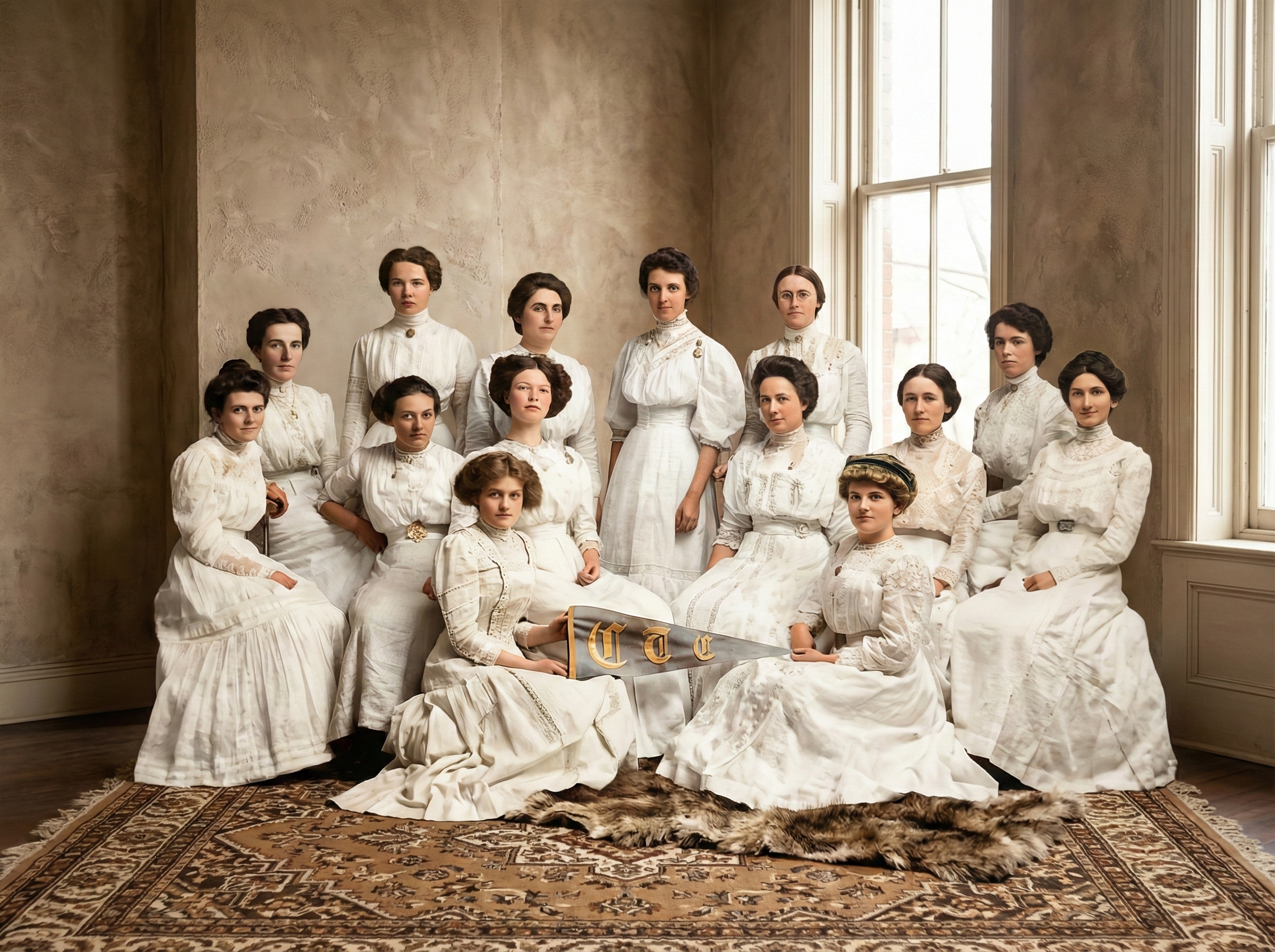
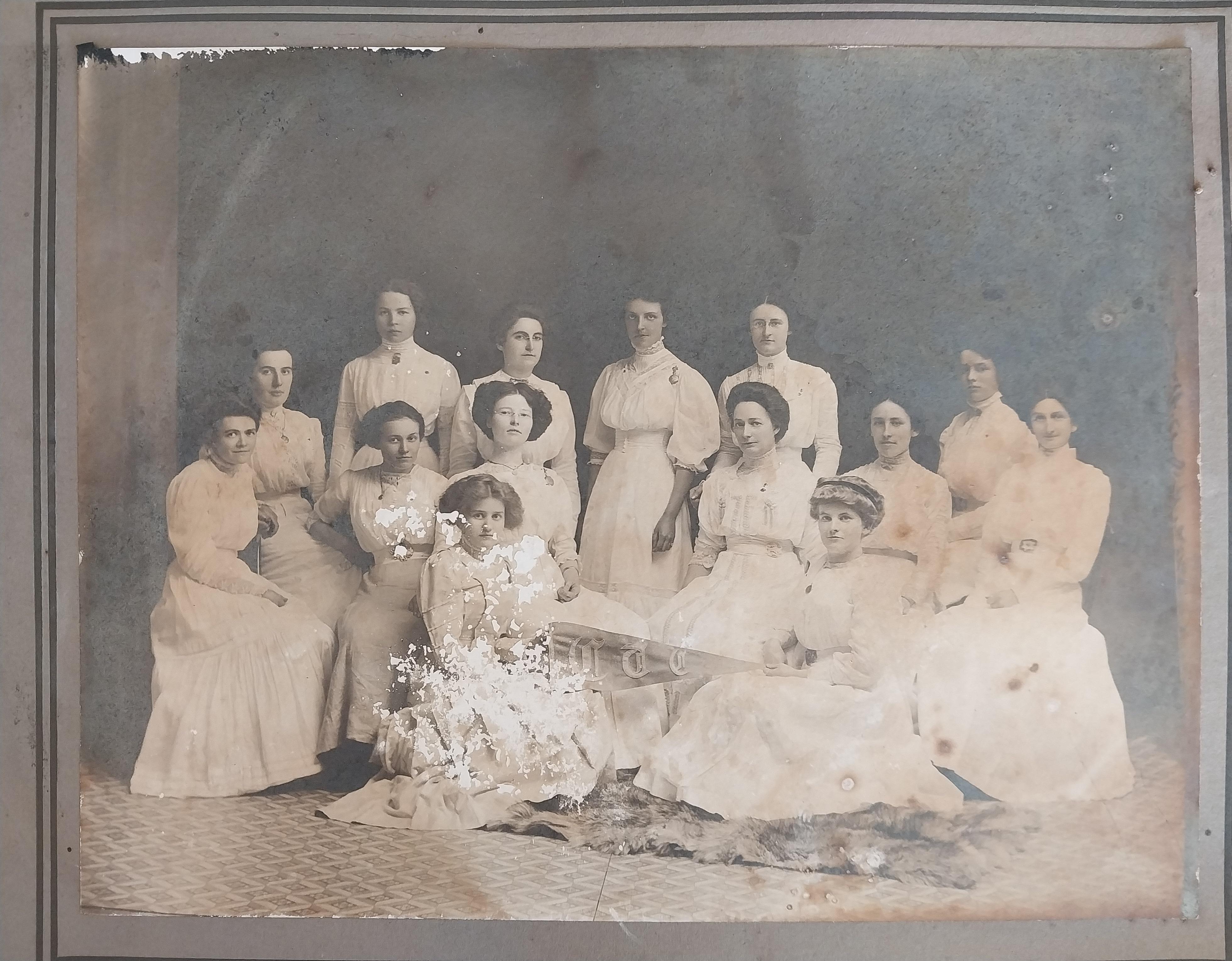
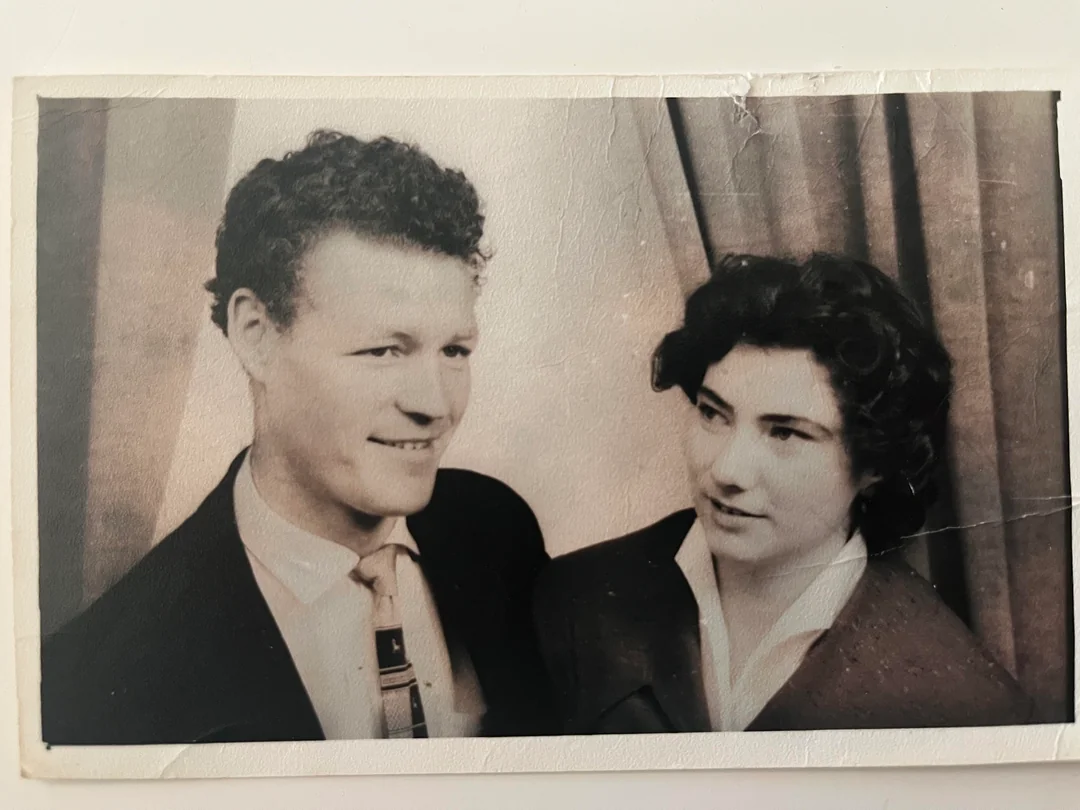
Before and After – Real Photo Colorization Results
Seeing before-and-after examples shows how powerful AI photo colorization can be. Users upload black and white photos of grandparents, weddings, and childhood memories and receive vibrant color images in return. Details such as clothing patterns, eye color, and background scenery become more visible. Many users report that colorized photos help them emotionally reconnect with family history and make old moments feel alive again. These results demonstrate that AI photo colorization is not just a technical process, but a way to revive meaningful memories.
Try Before and After – Real Photo Colorization Results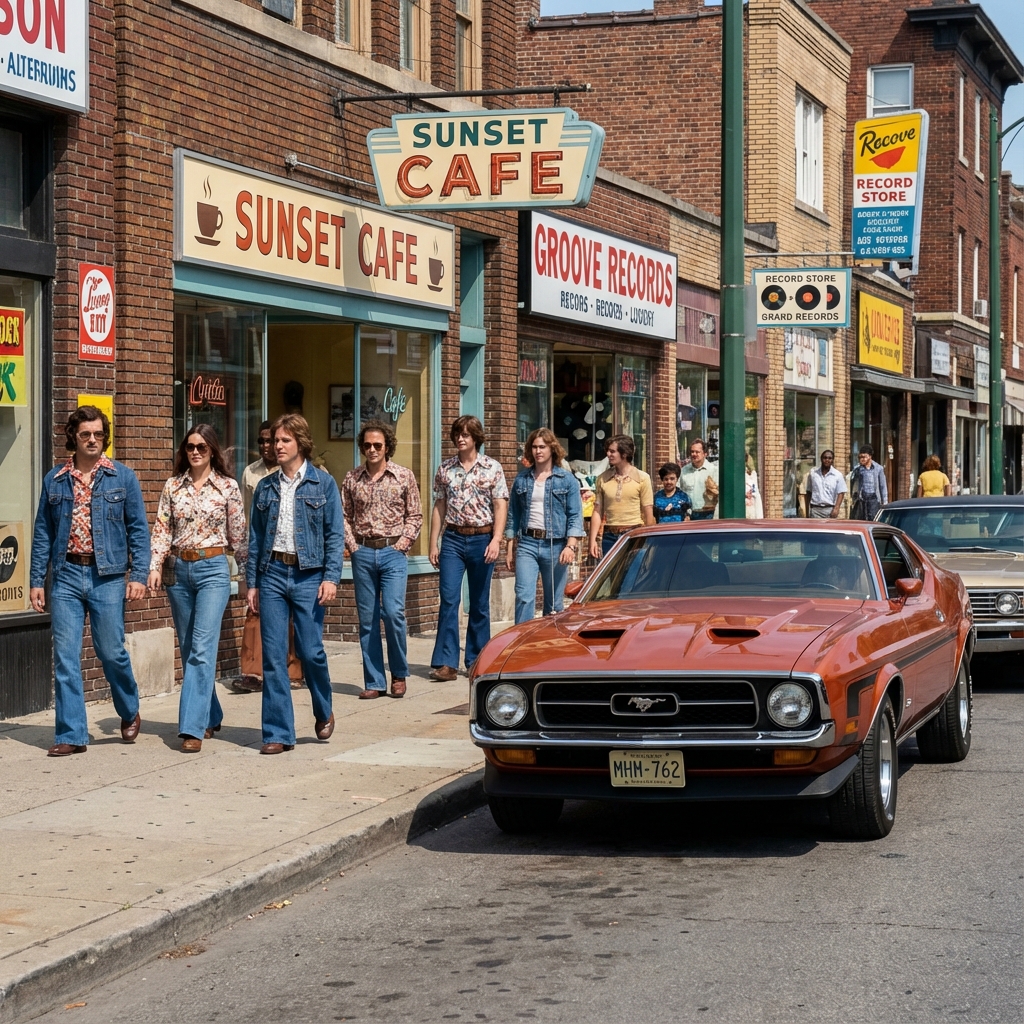
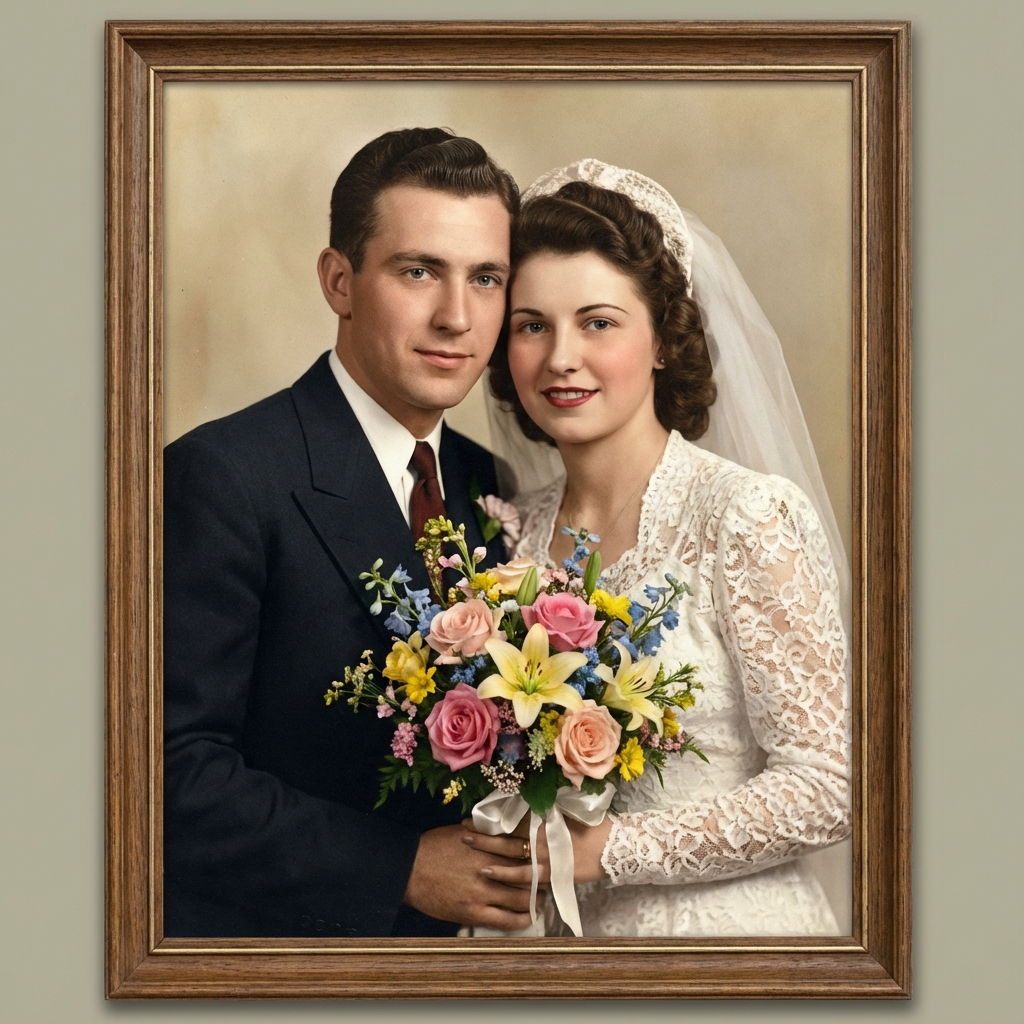
How AI Photo Colorization Works
AI colorization is based on deep learning and image recognition technology. It does more than apply simple filters.
Detect Objects in the Photo
First, the system detects objects such as faces, clothing, sky, trees, and buildings.
Analyze Lighting and Textures
Then it analyzes lighting conditions and textures.
Assign Realistic Colors
Finally, it assigns color values that match real-world visual patterns. Unlike basic recoloring tools, AI photo colorization understands context. For example, human skin receives natural tones instead of flat colors, and background elements receive subtle shading to match original lighting. This intelligent process ensures that colorized photos look realistic and emotionally faithful to the original image.
Why Choose Our AI Photo Colorizer
This AI photo colorizer provides natural and high-quality results.
Easy to Use for Everyone
No design skills or technical knowledge are required. Just upload your photo and download the colorized result.
Free Online Photo Colorization
You can try AI photo colorization for free without creating an account. Premium options are available for higher resolution and batch processing.
Secure and Private Processing
Uploaded photos are processed securely and are not shared with third parties. Your family memories remain private.
All-in-One Photo Restoration Workflow
You can combine photo colorization with enhancement and restoration for a complete transformation of old photos.
Use Cases for Black and White Photo Colorization
Whether for family history, creative projects, or historical preservation, this tool makes photo colorization simple, fast, and accessible.
Family Memories and Ancestral Photos
Families colorize old photos of grandparents and ancestors to preserve emotional connections across generations.
Historical and Archive Projects
Libraries and museums use AI colorization to bring historical images to life for educational and research purposes.
Memorials and Tributes
Colorized photos are often used in memorial services and tribute displays to honor loved ones.
Creative and Design Projects
Artists and designers use colorized vintage photos in books, exhibitions, and digital storytelling projects.
Make AI Colorization Look Real
Three practical choices that preserve the original mood instead of over-saturating old photos.
Keep saturation restrained
Old photos often have softer contrast and lower color intensity. Subtle saturation helps the result feel authentic rather than modern or artificial.
Anchor skin tones first
When skin tones look believable, the rest of the palette usually falls into place. AI uses facial context to keep portraits natural.
Respect lighting and shadows
Color should follow the original light direction and shadow density. This prevents flat, painted-looking surfaces.
Frequently Asked Questions About Photo Colorization
Related Restoration Tools
If your photo needs repair before or after colorization, these tools are designed to help.
Bring Old Photos Back to Life with AI Colorization
Black and white photos hold priceless memories of the past. With AI photo colorization, you can transform these images into vibrant, realistic color photos that feel alive again. Whether for family history, creative projects, or historical preservation, this tool makes photo colorization simple, fast, and accessible. Start colorizing your black and white photos today and experience how artificial intelligence can turn the past into living color.
Photo Colorization Guides and Tutorials
How to Scan Photos for Best Colorization Results
Scan photos at 300–600 DPI, remove dust, and avoid shadows. High-quality scans allow the AI to produce better color results.
AI vs Manual Photo Colorization – What’s the Difference?
Manual colorization requires artistic skills and time. AI colorization provides fast, consistent results for most use cases and is ideal for bulk photo restoration.
How to Prepare Colorized Photos for Printing
Use high-resolution output and professional photo paper to preserve color quality.
How to Colorize Black and White Photos Without Losing the Original Mood
Avoid extreme saturation and keep tones natural to maintain the emotional feeling of the original image.