Face Restoration for Old Photos with AI
Restore blurry and damaged faces online in seconds. Preserve facial identity and expression while bringing clarity back to your cherished memories.
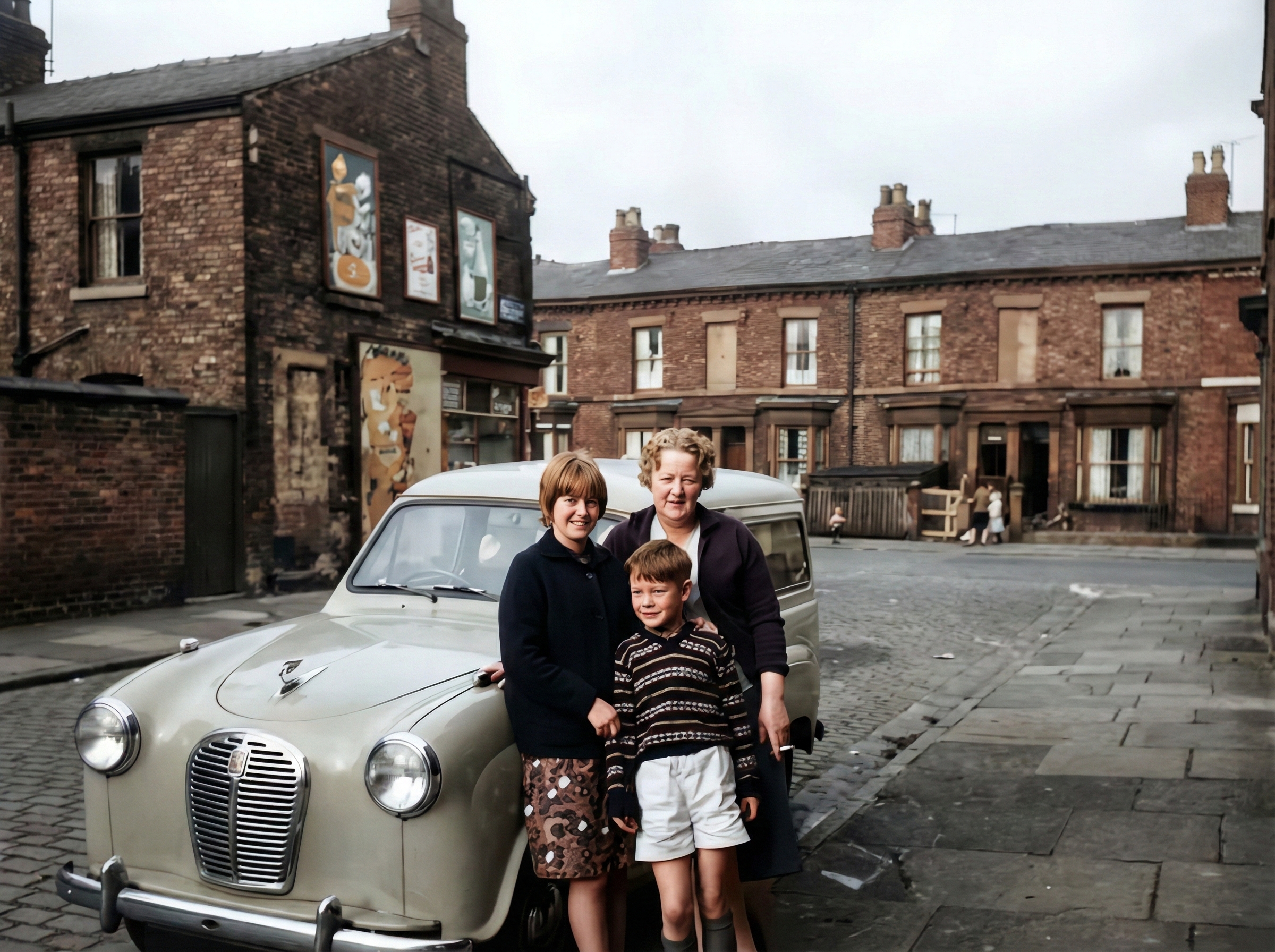
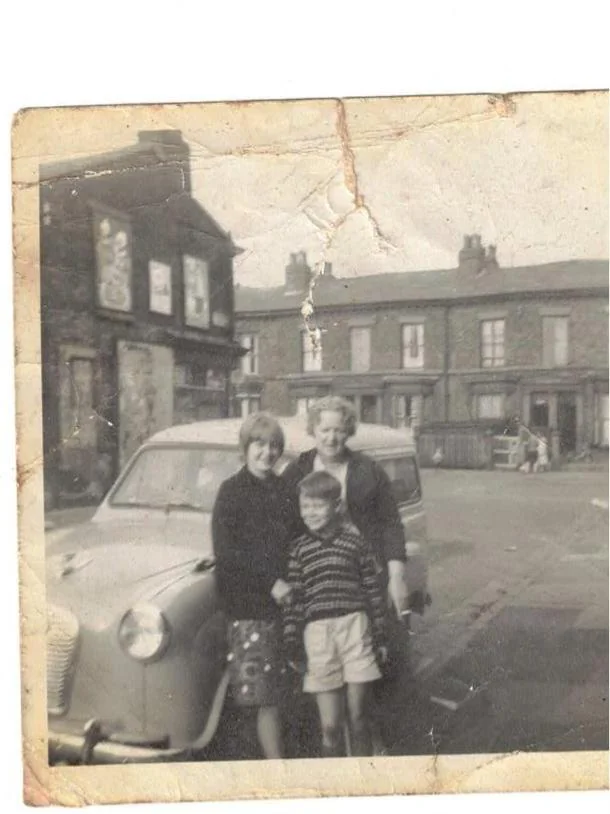
Upload to Face Restoration
Upload 1 image at a time. JPG or PNG.
Every face is unique. You'll always see a preview before downloading. Powered by our Restore Max restoration engine.
Restore Faces in Old Photos Online for Free with AI
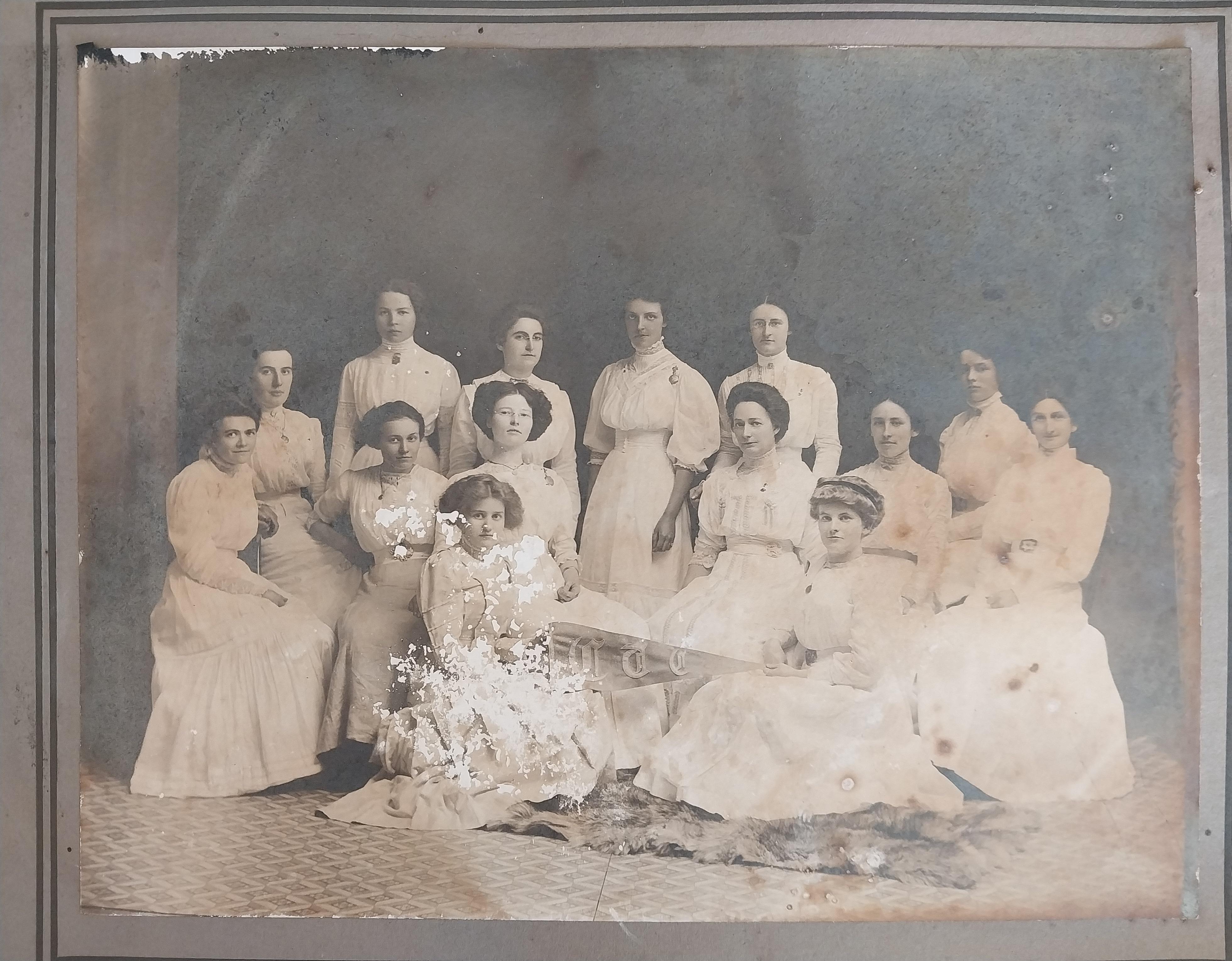
Old photographs often suffer from blurred faces, cracks across facial features, and loss of fine details. These issues make it difficult to recognize people in family albums or historical archives. AI face restoration solves this problem by detecting facial structures such as eyes, nose, mouth, and skin texture, then rebuilding missing or unclear details.
AI Face Restoration for Blurry and Damaged Portraits
Our AI portrait restoration system analyzes the image pixel by pixel and applies learned patterns from thousands of restored faces. This allows it to sharpen facial features while keeping the person's identity natural and recognizable.
Restore Faces Without Installing Any Software
Traditional face restoration requires complex tools like Photoshop and hours of manual work. Our online face restoration tool removes that barrier. You only need to upload your photo and let the AI perform the restoration automatically. No installation, no technical knowledge, and no manual painting are required.
Powerful AI Face Restoration Features
Advanced facial recognition technology designed specifically for restoring old portrait photographs.
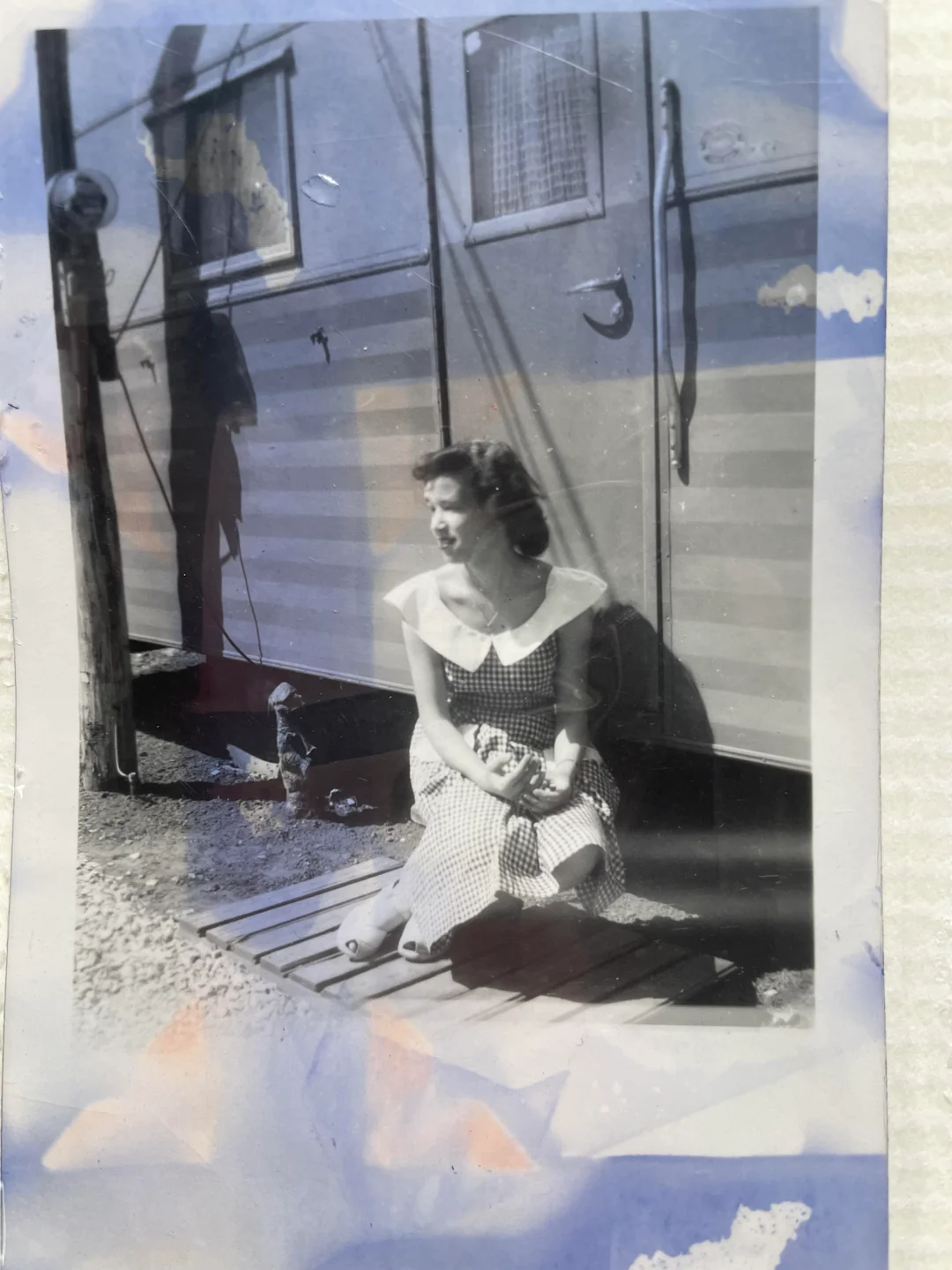
Fix Blurry Faces in Old Photos
Motion blur and camera limitations often cause faces to appear soft or unrecognizable. AI face restoration sharpens edges and enhances fine facial features, making expressions clearer and more lifelike.
Try Fix Blurry Faces in Old Photos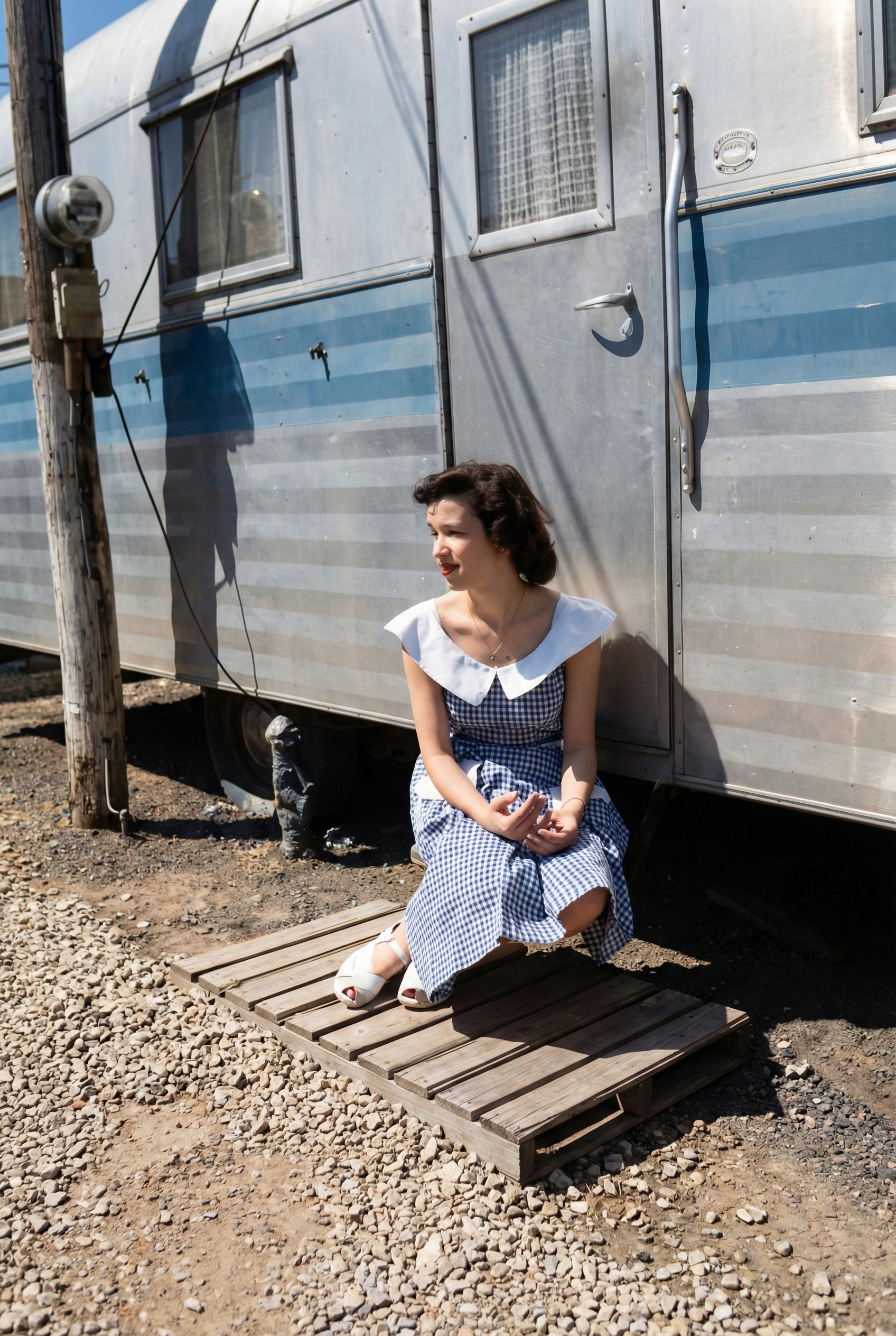
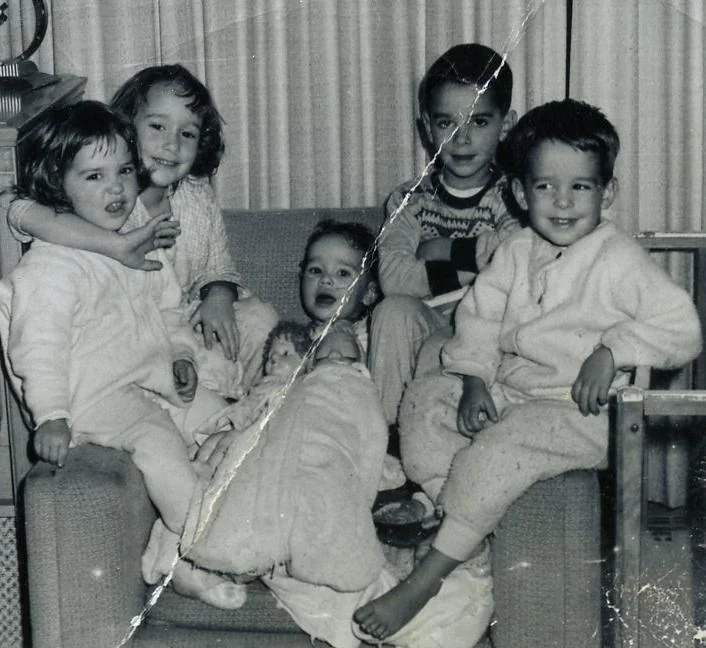
Repair Scratches and Cracks Across Faces
Scratches frequently cross important areas like eyes and cheeks. The AI detects these damage patterns and removes them while preserving natural skin texture.
Try Repair Scratches and Cracks Across Faces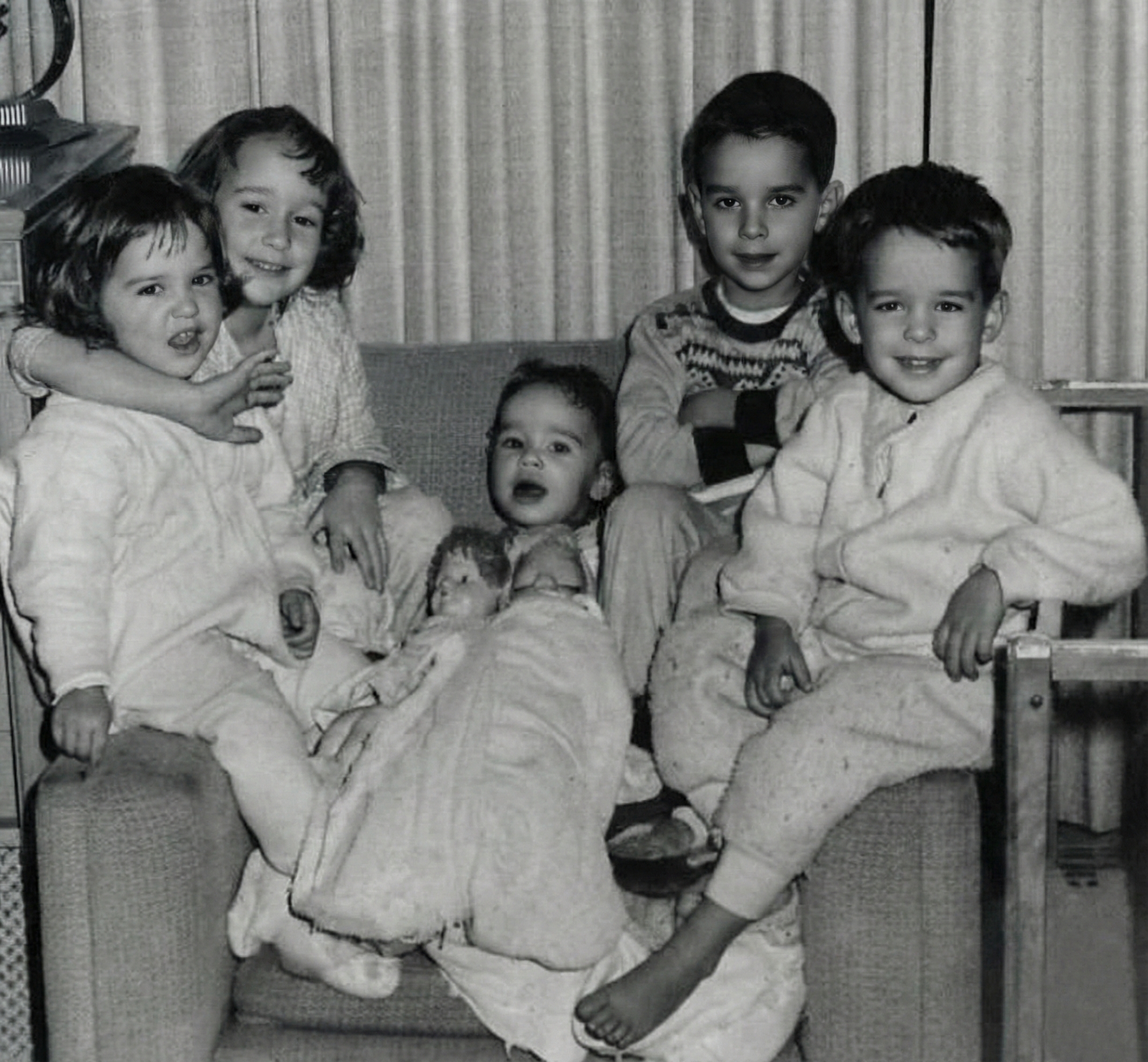
Restore Faded Facial Details
Old photos lose contrast and detail over time. AI enhances facial tones and recovers lost information to improve visibility and realism.
Try Restore Faded Facial Details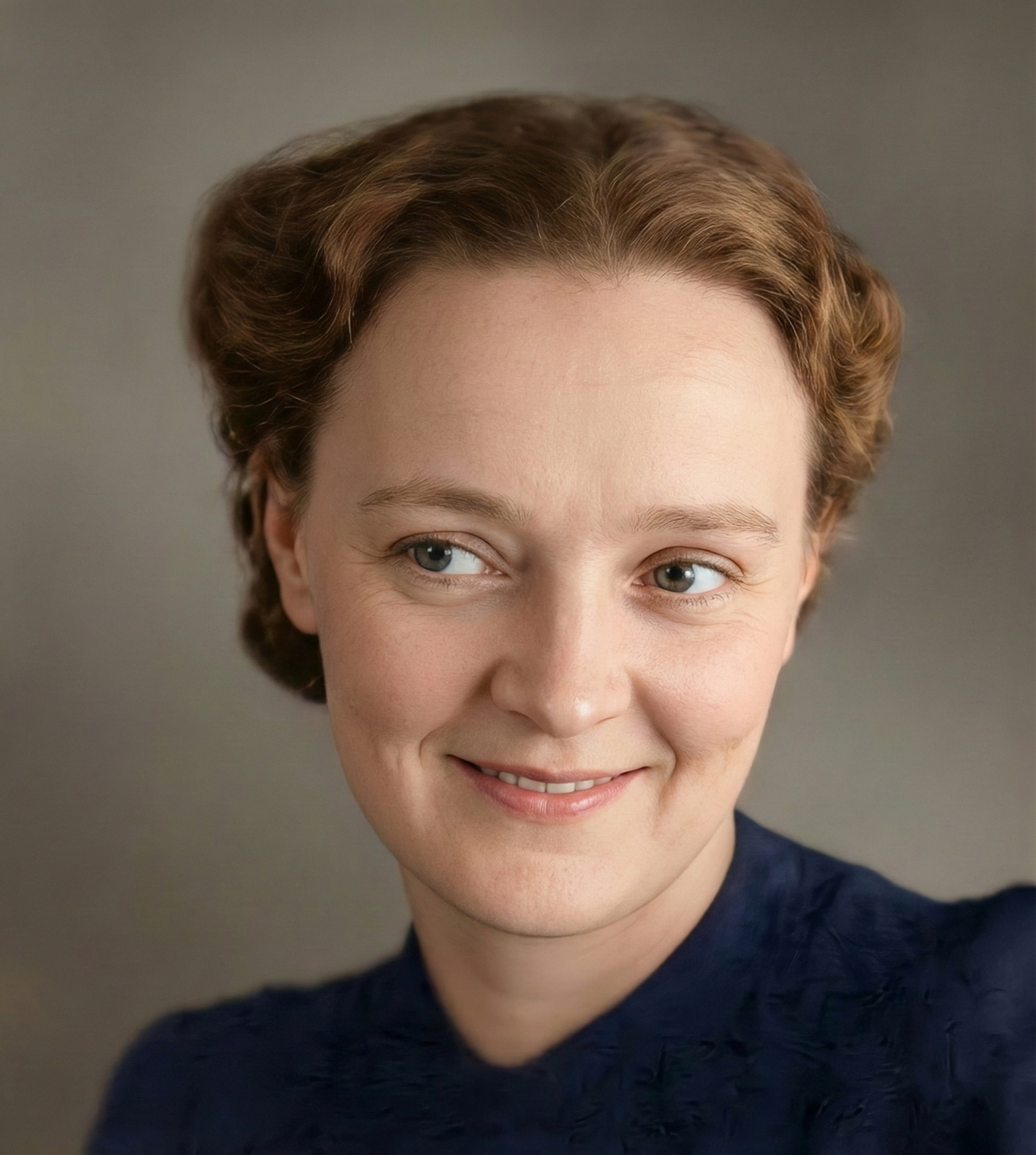
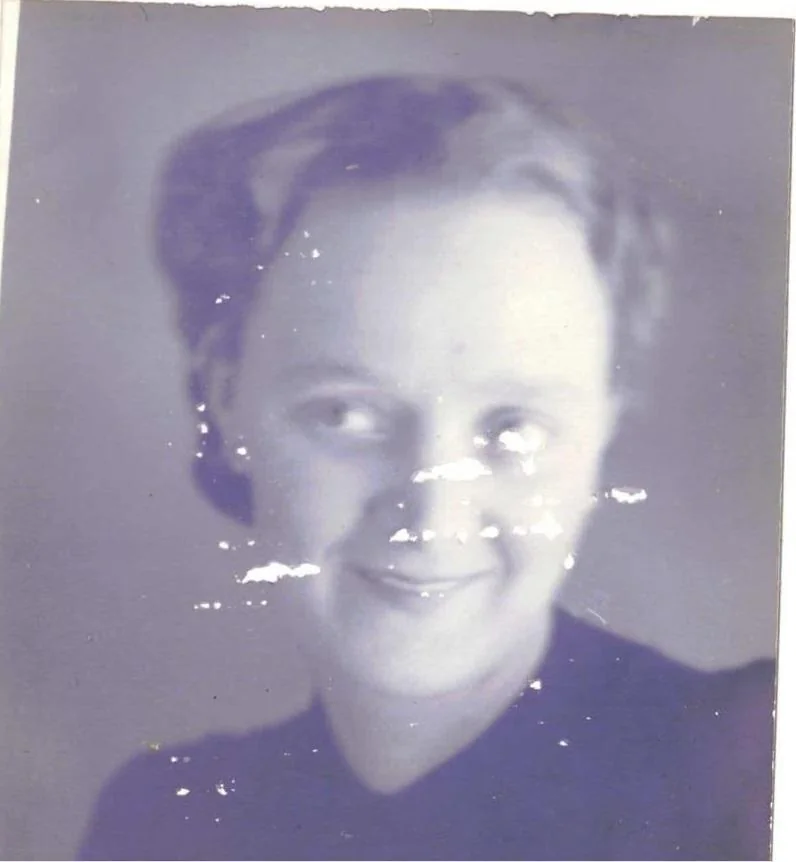
Maintain Natural Skin Texture
Unlike simple filters, AI face restoration avoids over-smoothing. It keeps pores, wrinkles, and natural shading so the restored face still looks authentic.
Try Maintain Natural Skin Texture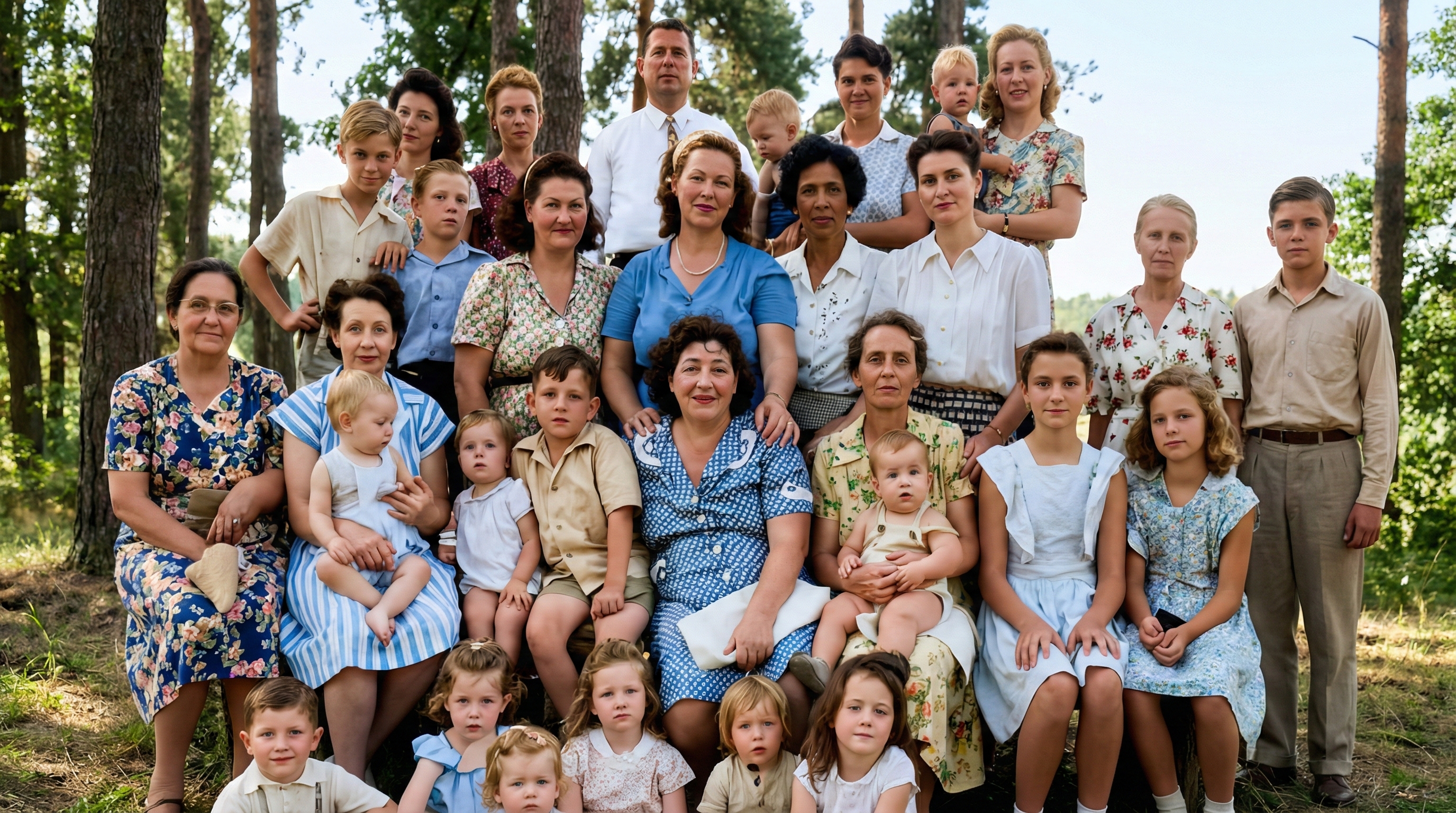
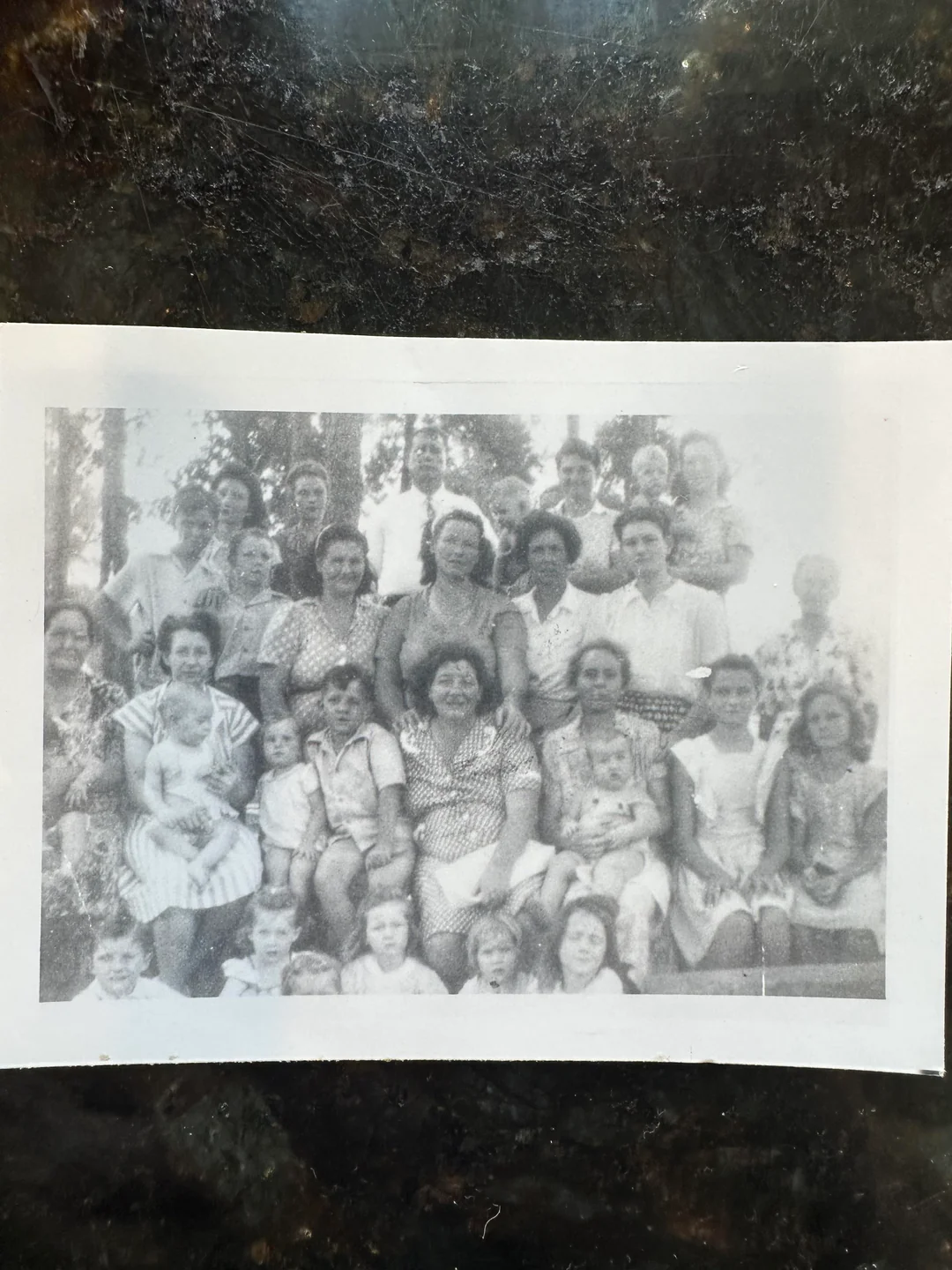
Facial Landmark Detection
The AI accurately identifies facial regions such as eyes, nose, mouth, and jawline to ensure targeted restoration of important features.
Try Facial Landmark Detection

High-Resolution Face Enhancement
Restored faces are exported in high resolution, suitable for printing and archiving. Fine details like eye color and facial contours are clearly visible.
Try High-Resolution Face Enhancement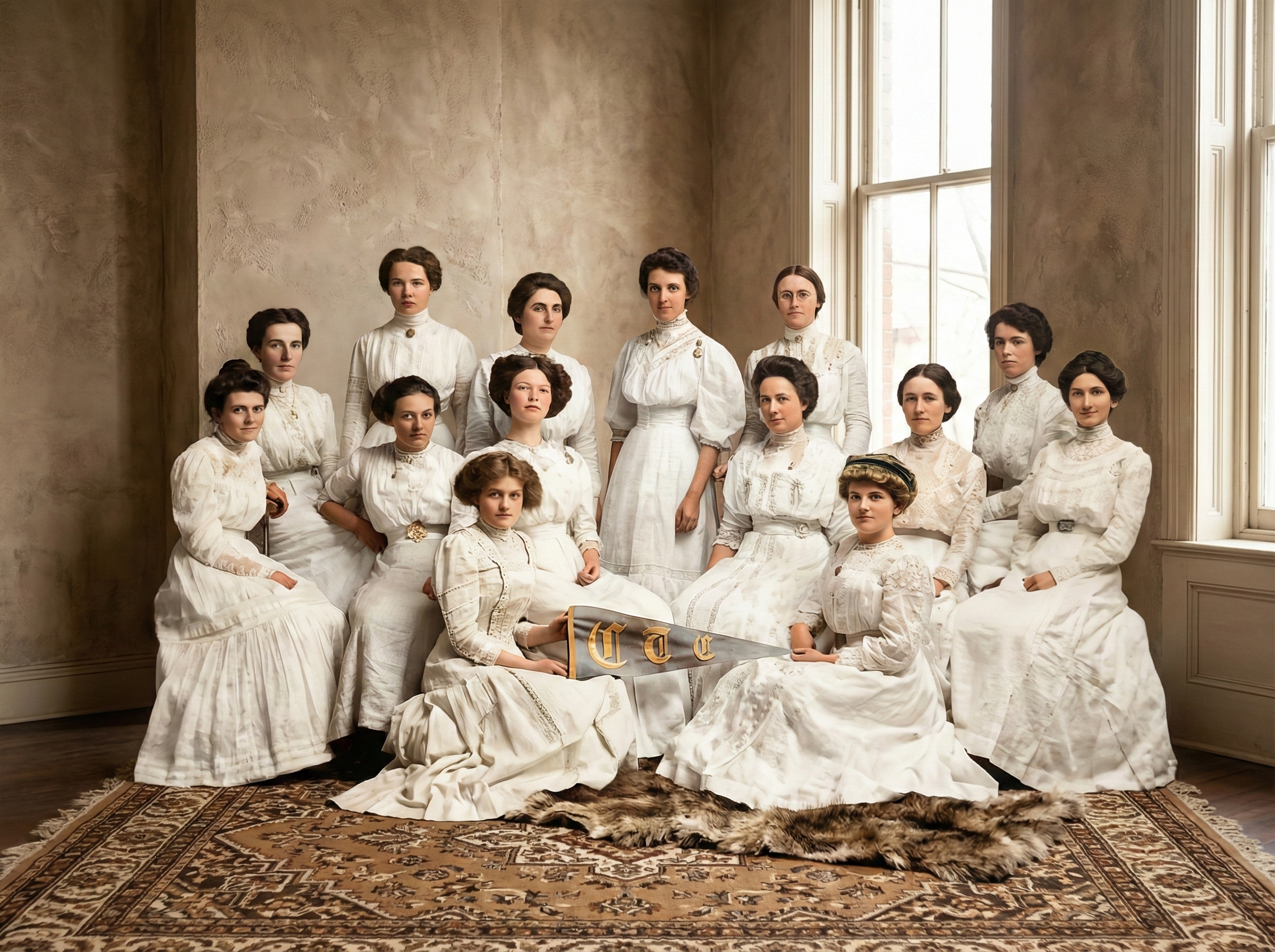
How AI Face Restoration Works
AI face restoration is based on deep learning and facial recognition technology. It does not simply sharpen the image but understands what a human face should look like.
Upload Your Photo
Start by uploading your old photo. The system detects the face region and maps key landmarks such as eyes, eyebrows, nose, lips, and jawline.
AI Analyzes and Restores
The AI analyzes blur, scratches, and missing pixels. It reconstructs facial details using trained neural networks that predict realistic textures and lighting.
Download Restored Face
This intelligent process allows AI to restore faces in old photos while avoiding unnatural or plastic-looking results. Download your restored portrait in high resolution.
Use Cases for Face Restoration in Old Photos
Face restoration helps families and institutions preserve important memories and historical records.
Family Memories and Ancestral Photos
Restore faces of grandparents and ancestors to preserve family history and help future generations connect with their heritage.
Memorials and Tributes
Restored faces are often used for memorial services and tribute displays, showing respect and care for loved ones.
Historical and Archive Portraits
Museums and libraries use AI to improve old portrait images for research, education, and public display.
Creative and Design Projects
Artists and designers use restored portraits in books, exhibitions, and digital storytelling projects.
Restore Faces Without Changing Identity
Focused guidance for keeping portraits authentic and recognizable.
Prioritize eyes and facial landmarks
Eyes, nose, and mouth shape are key identity markers. The model targets these areas while keeping proportions intact.
Avoid aggressive sharpening
Over-sharpening can create a plastic look. Balanced enhancement keeps skin texture and aging details natural.
Set expectations for missing areas
If large facial regions are missing, AI can estimate but may not fully reconstruct original detail without manual retouching.
Frequently Asked Questions About Face Restoration
Related Restoration Tools
Combine face restoration with these tools for a full recovery.
Bring Faces Back to Life with AI Restoration
Faces hold the emotional core of every photograph. Restore blurred and damaged faces while preserving the original identity and expression.