Remove Scratches from Old Photos
Bring back the photo you remember — cleaned with care, without changing who’s in it.
Upload to Scratch Remover
Upload 1 image at a time. JPG or PNG.
Every photo is different. You’ll always see a preview before downloading. Powered by our Restore Max restoration engine.
Why Removing Scratches from Old Photos Is Difficult
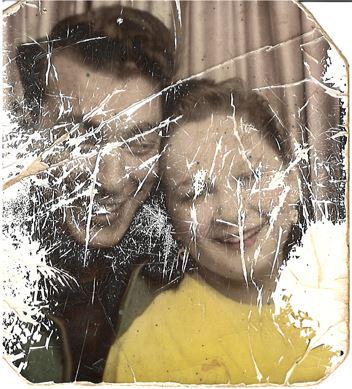
Removing scratches from old photos is much harder than it appears. Scratches are not simple lines on the surface; they often cut through faces, clothing, and background textures. Old photos may also suffer from fading, dust spots, and chemical degradation, which makes the damage more complex.
Manual Retouching Takes Too Much Time
Traditional restoration requires tools such as Photoshop's clone stamp or healing brush. Each scratch must be repaired by hand, pixel by pixel. A single photo can take 30 minutes to several hours depending on the damage. For beginners, it is easy to accidentally blur important facial features or distort the image.
Filters Often Remove Important Details
Many automatic photo tools apply smoothing filters to hide scratches. Unfortunately, this also removes skin texture, hair detail, and fine edges. The result may look artificial or 'plastic,' especially on faces. Basic dust and scratch filters cannot distinguish between damage and authentic photo content.
Professional Tools Require Special Skills
Professional restoration software requires training and experience. Most users simply want their old photos repaired quickly and safely without becoming photo editing experts. Learning advanced techniques just to fix family photos creates an unnecessary barrier for most people.
Powerful AI Old Photo Restoration Features
Scratch removal, sharpening, HD output, colorization, and face enhancement in one AI workflow.
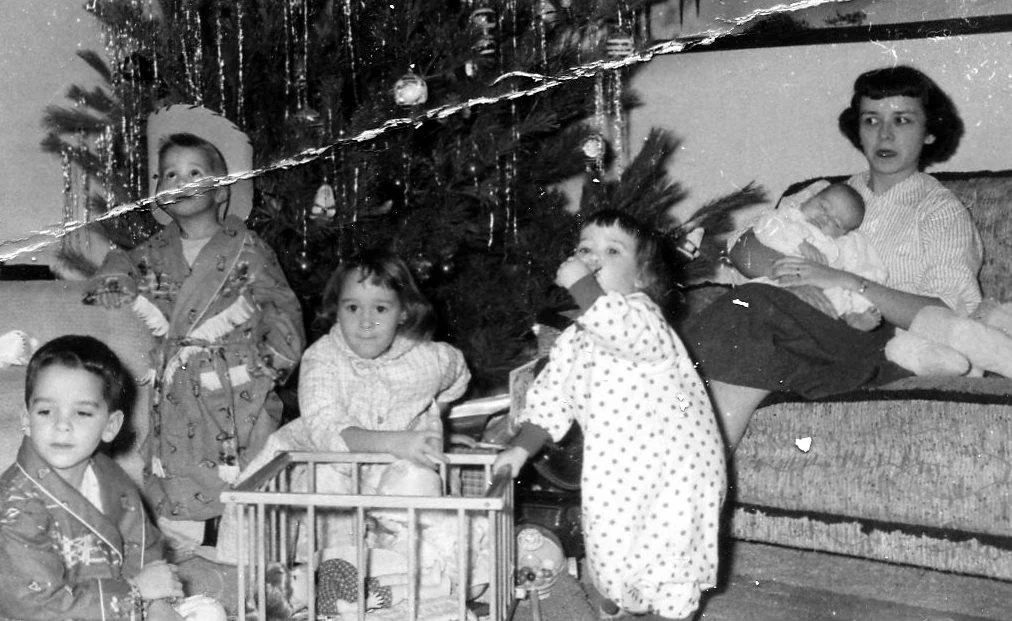
Remove Scratches and Creases from Old Photos
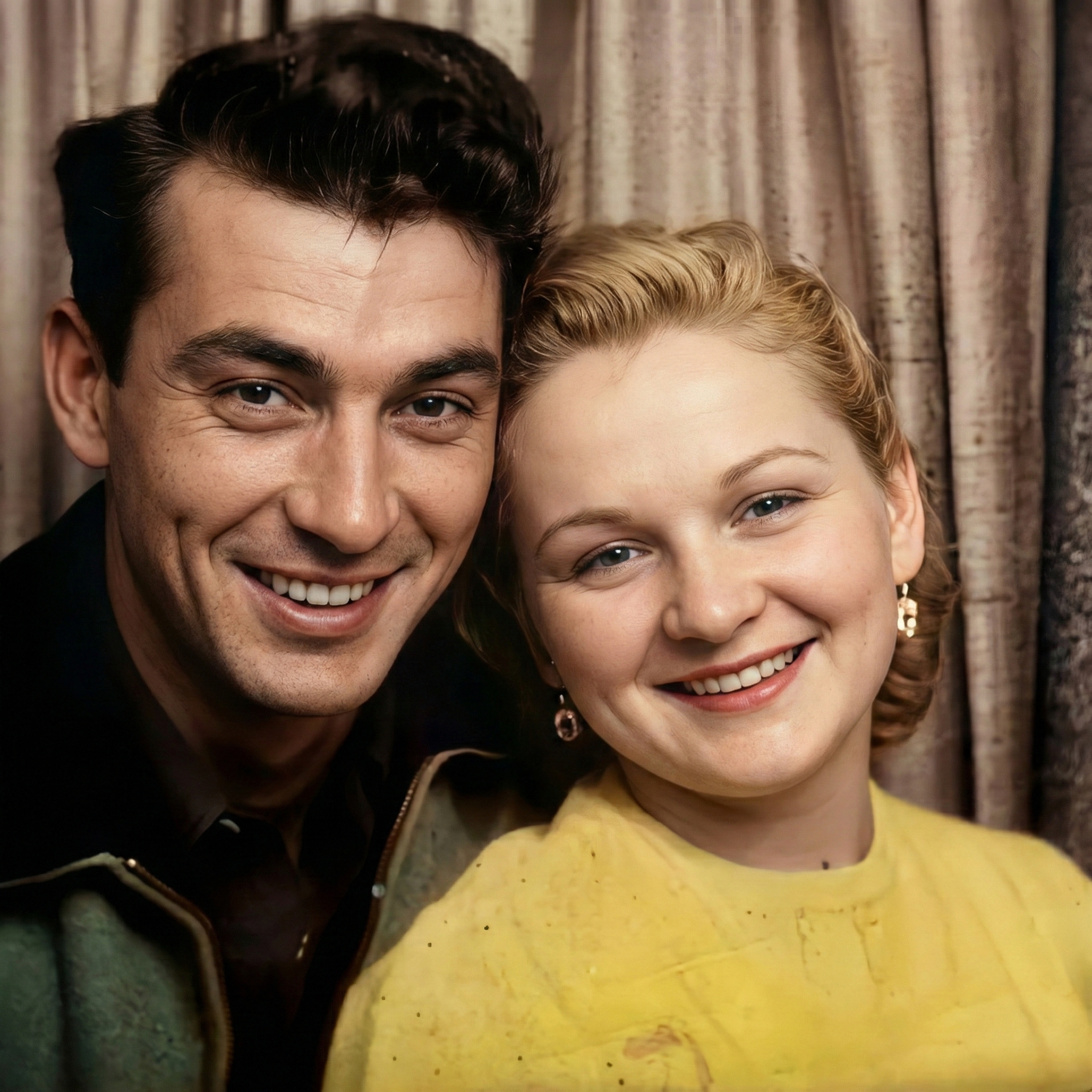
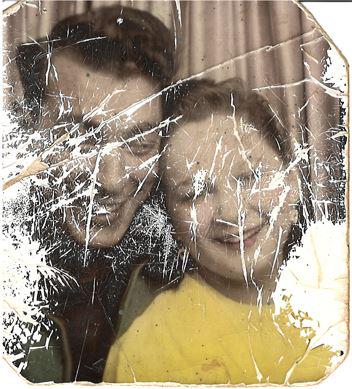
The AI specializes in detecting linear scratches and surface creases caused by aging film or physical handling. These marks are removed without blurring the rest of the image. Unlike basic filters that smooth the entire photo, this tool identifies damage patterns and reconstructs only the affected pixels using surrounding texture information.
Try Remove Scratches and Creases from Old Photos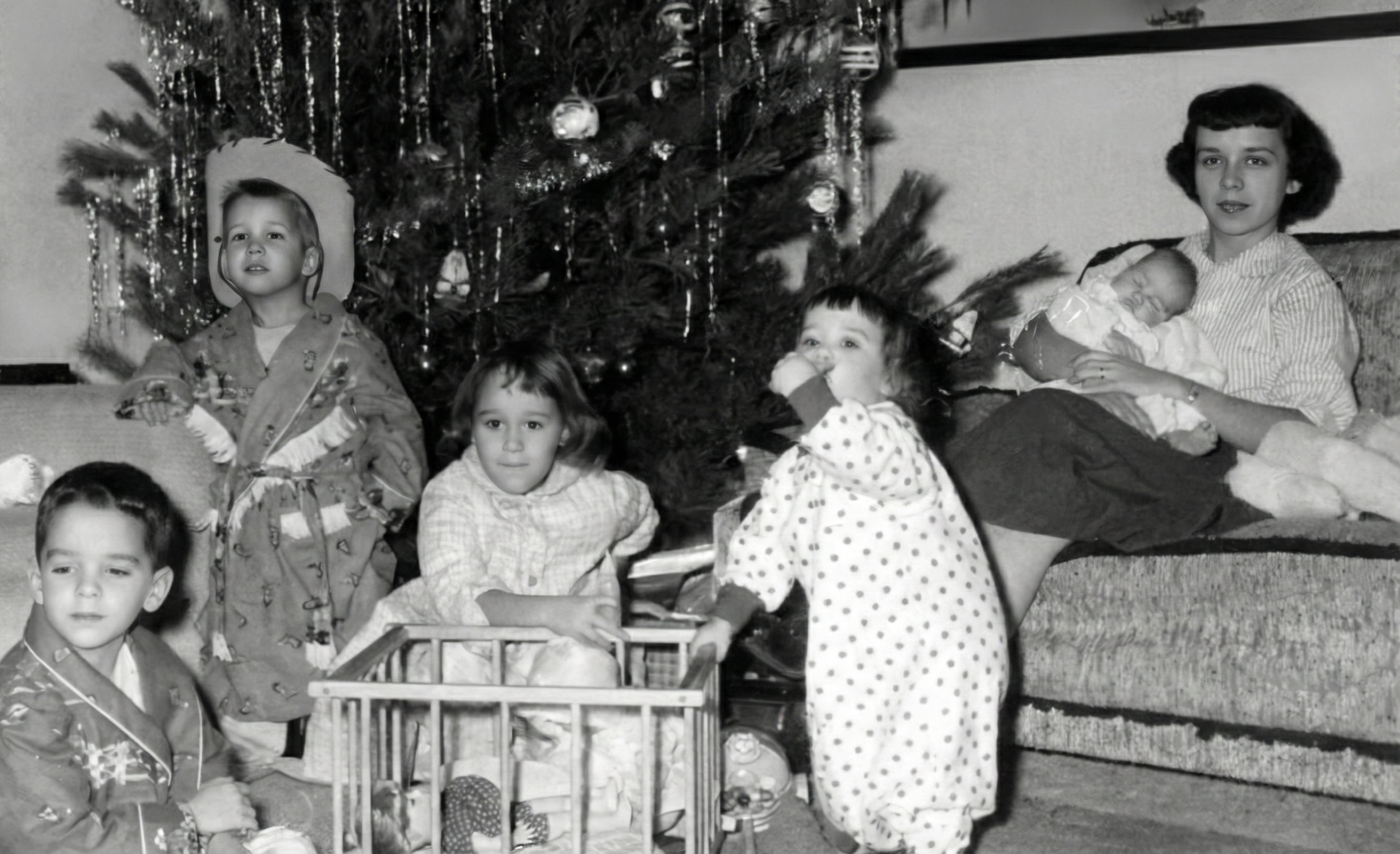
Repair Cracked and Torn Photo Areas
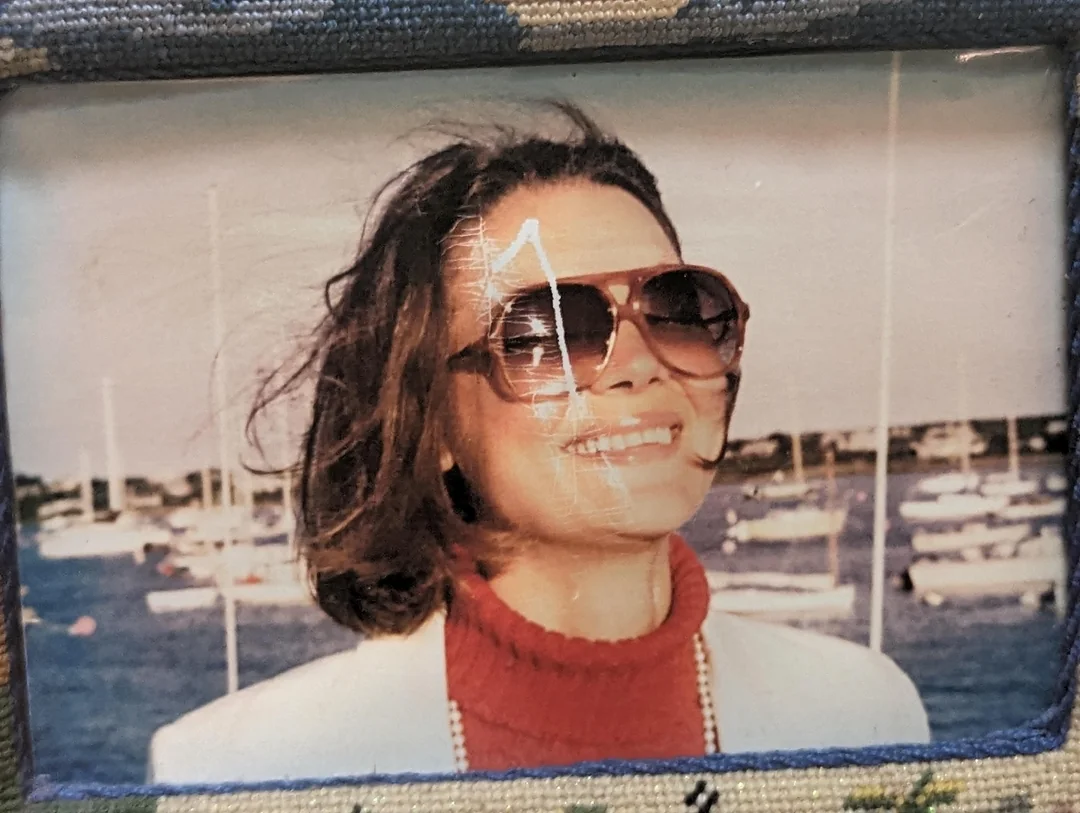
If parts of the photo are missing or torn, the AI reconstructs the area using nearby visual information. This helps restore broken edges and damaged corners. The system analyzes texture patterns, color gradients, and structural elements to fill gaps naturally, making repairs blend seamlessly with the original photograph.
Try Repair Cracked and Torn Photo Areas
Preserve Faces and Fine Details
One of the biggest risks in photo restoration is changing facial expressions or losing important details. The AI keeps eyes, skin texture, and facial structure intact while removing scratches that pass over faces. Wrinkles, fabric texture, and background grain are preserved as part of the authentic memory.
Try Preserve Faces and Fine Details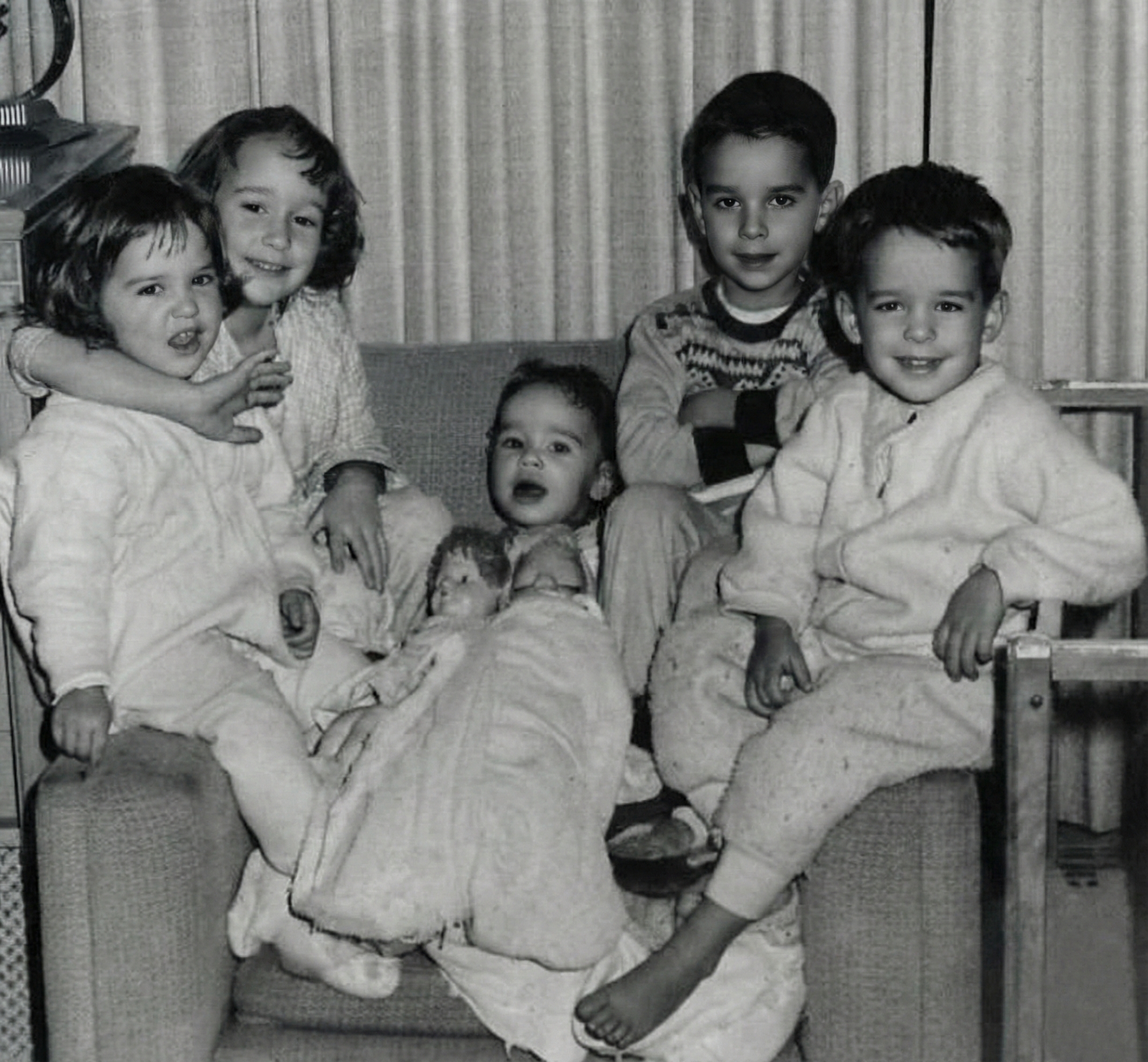
High-Resolution Restored Output
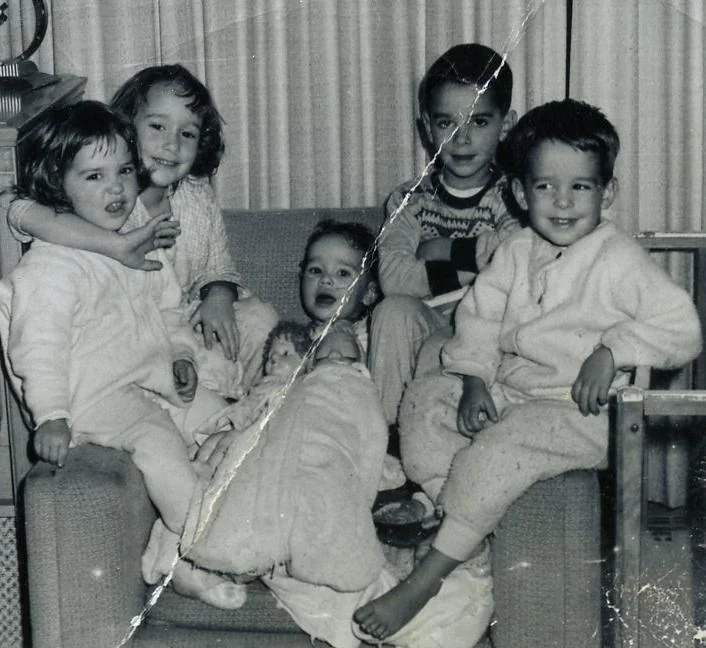
The restored photo is generated in high resolution so it can be printed, framed, or archived digitally. This is important for family photos and historical records. Output quality is optimized for both digital viewing and physical printing, ensuring your restored memories look sharp at any size.
Try High-Resolution Restored Output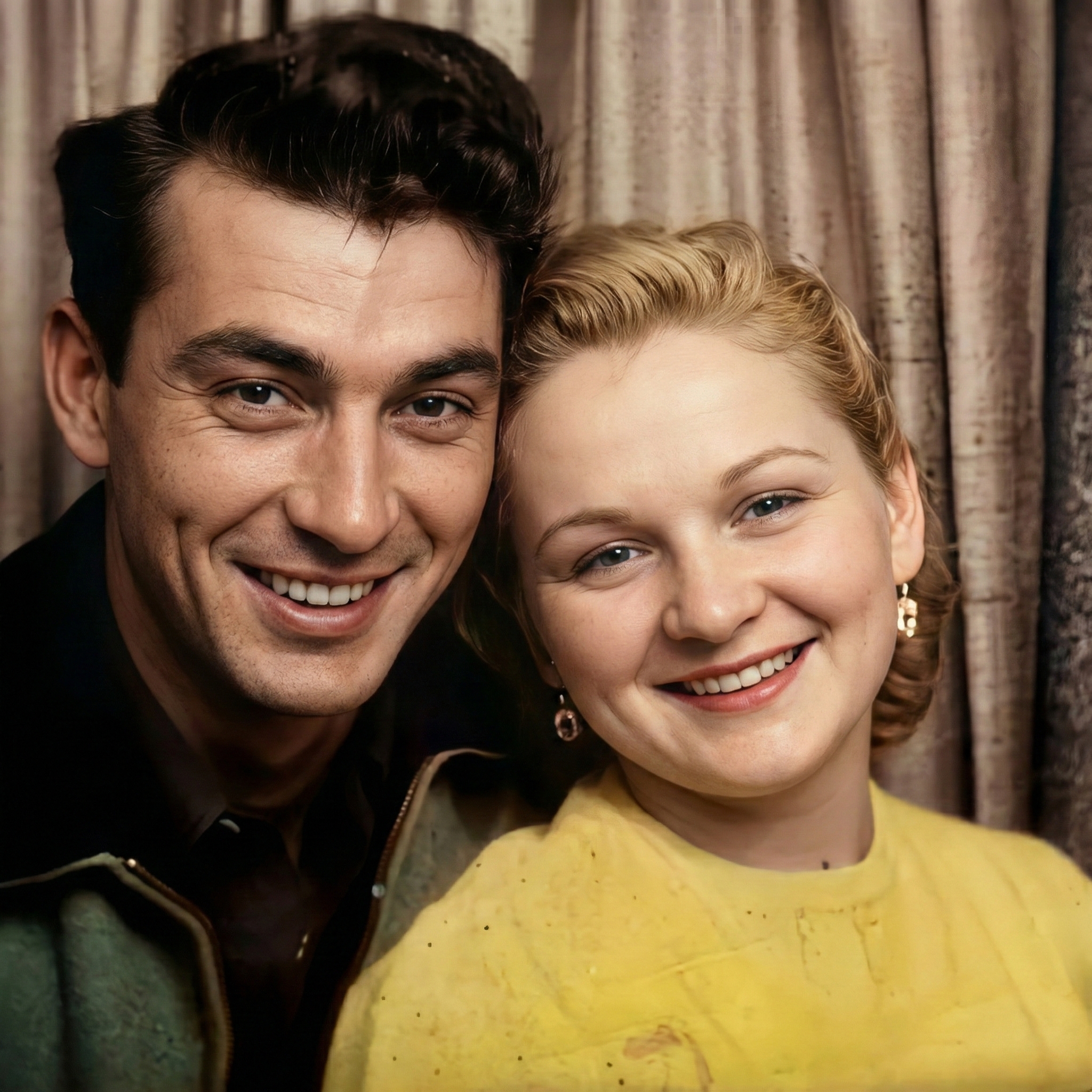
How AI Removes Scratches and Repairs Damaged Photos
AI scratch removal works by analyzing the entire image and understanding what parts belong to the original photo and what parts are damage.
Upload Your Scratched or Damaged Photo
You upload a scanned photo or digital image. The system supports common formats such as JPG and PNG. High-resolution scans (300–600 DPI recommended) produce the best results because the AI can detect more detail and distinguish between fine scratches and authentic textures.
AI Detects Scratches, Cracks, and Missing Areas
The model identifies long scratch lines, small dust marks, and torn regions by analyzing patterns that differ from natural photo content. It then compares these damaged areas with similar surrounding textures and structures to understand what the original photo should look like.
Download a Repaired and Natural-Looking Photo
The final output removes visible scratches while keeping facial features, clothing, and background patterns intact. You can compare the before-and-after result and download the restored photo in HD resolution. Unlike manual editing, AI restoration takes only seconds and produces consistent results without user skill requirements.
When Do People Need to Remove Scratches from Old Photos?
Scratches should not erase precious memories. These are the most common situations where people need to restore damaged photographs.
Family Photo Albums and Ancestral Pictures
Many families want to restore photos of grandparents or ancestors. Scratches and cracks often appear on photos stored for decades in albums, boxes, or frames. Removing these marks helps preserve family history and allows younger generations to see their heritage clearly.
Wedding and School Photos
Old wedding and school portraits are often scanned from paper prints that have been folded, stored in envelopes, or handled repeatedly. AI scratch removal makes these images suitable for digital albums, reprints, and anniversary celebrations without the original damage.
Scanned Film and Old Negatives
Film negatives frequently collect dust and scratches over time from storage and handling. After scanning, these imperfections become highly visible. AI restoration can clean up the damage without destroying original image quality, making digitized film look pristine.
Historical and Archive Photos
Museums, libraries, and archives digitize photographs for preservation and public access. Scratch removal improves readability and visual clarity while maintaining authenticity. Restored images are easier to study and share without distracting surface damage.
Memorial and Tribute Photos
For funerals, memorials, and tributes, families often restore damaged photos of loved ones. Clean and natural-looking images are important in emotional moments. Removing scratches shows respect and care for the person being remembered.
Different Scratches Need Different Fixes
Understanding the type of damage helps set expectations and improves results.
Hairline scratches vs deep cracks
Fine scratches are easier to remove, while deep cracks often cross key details. The AI uses surrounding texture to rebuild missing pixels without blurring the rest.
Tears and missing corners
When paper is missing, the model uses intelligent inpainting to reconstruct edges and keep the original structure aligned.
Preserving grain and skin texture
Effective scratch removal keeps natural grain and facial texture, so the photo looks authentic instead of over-smoothed.
Frequently Asked Questions About Removing Scratches from Old Photos
Related Restoration Tools
Combine scratch repair with these tools for a more complete restoration.
Old photos carry real memories. They deserve careful repair.
If your photo has scratches, cracks, or dust marks, try cleaning it first and see what can be brought back.